木工品の中に入れて光らせるテーブルランプを作ります。
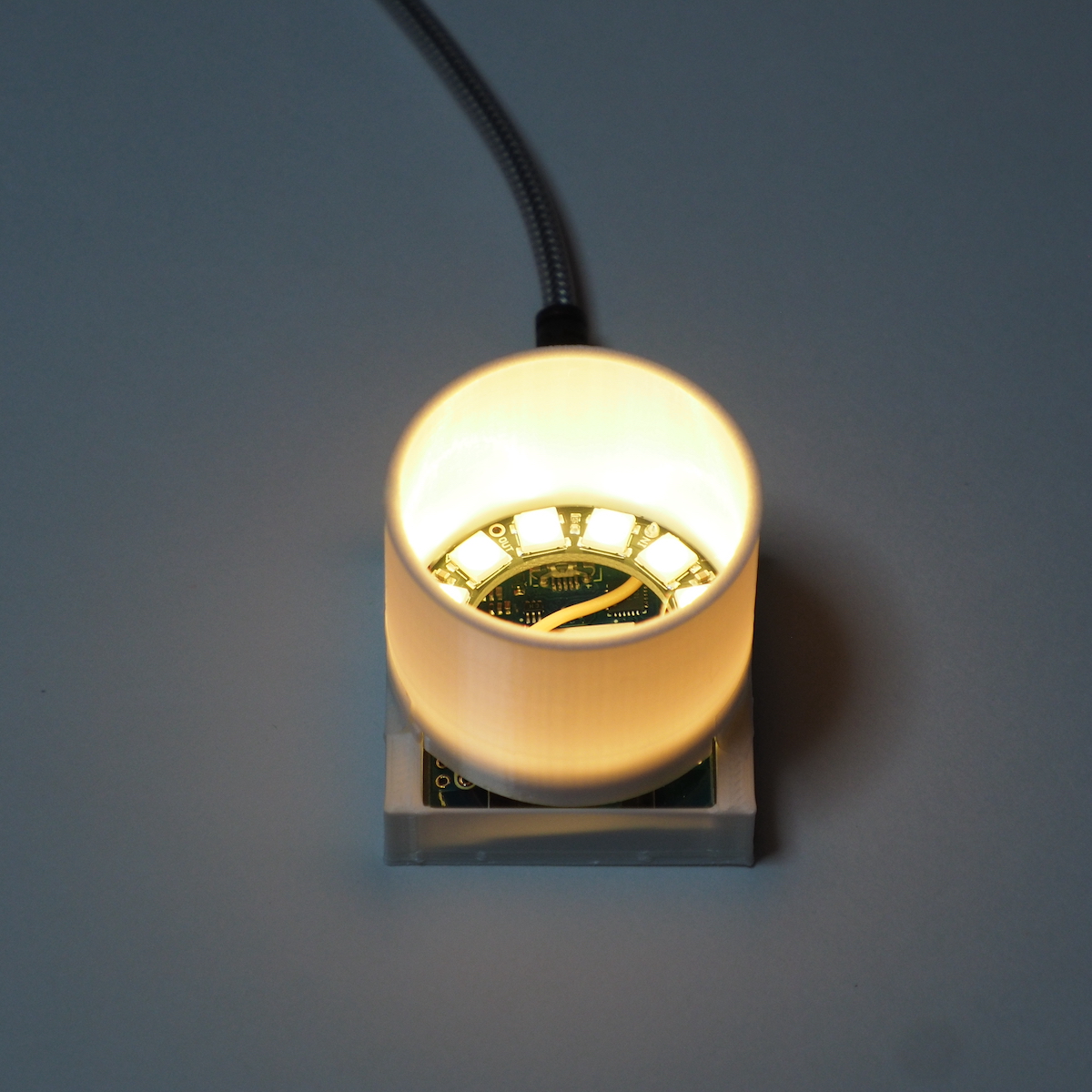
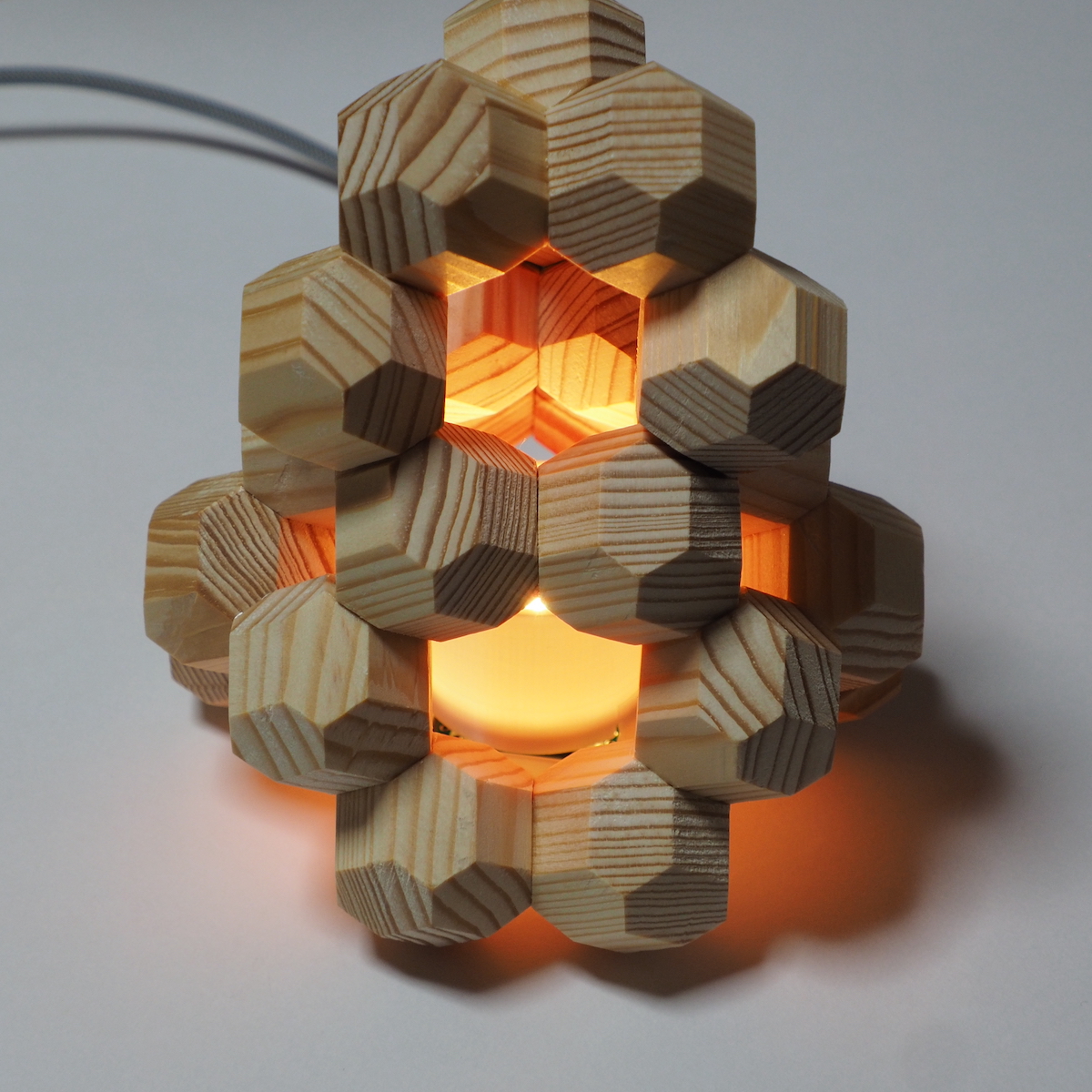
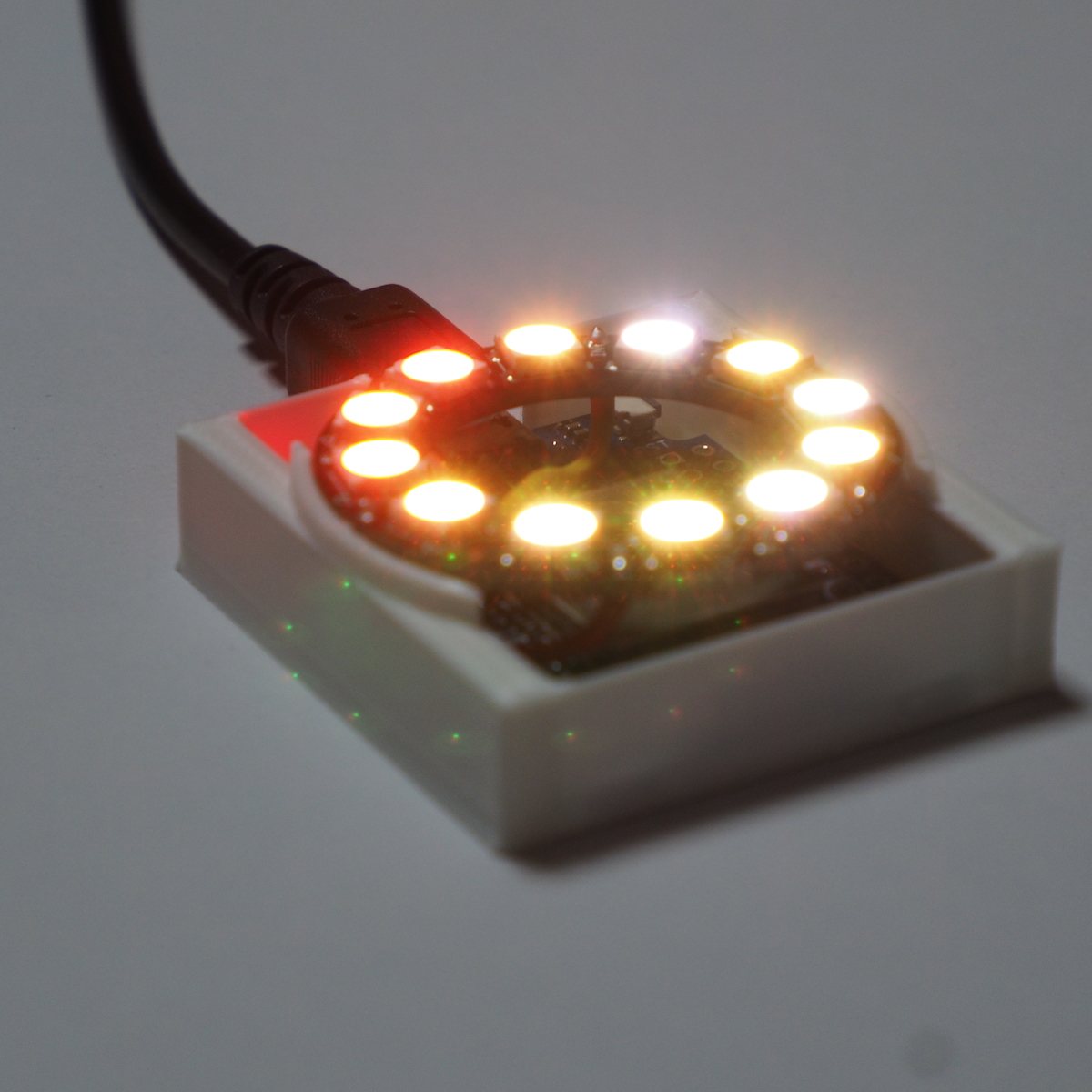
Wi-Fi経由でNTPサーバーから時刻を取得して、24時間でランプの色を色相環を一周させます。
8時:赤(あか)
10時:橙(だいだい)
12時:黄橙(きだいだい)
14時:黄(き)
16時:黄緑(きみどり)
18時:緑(みどり)
20時:青緑(あおみどり)
22時:緑青(みどりあお)
0時:青(あお)
2時:青紫(あおむらさき)
4時:紫(むらさき)
6時:赤紫(あかむらさき)
毎時3分間と1分ごとの10秒間は少し光り方を変化させることにしました。また、日中は明るく、夜間は暗く光るようにしています。
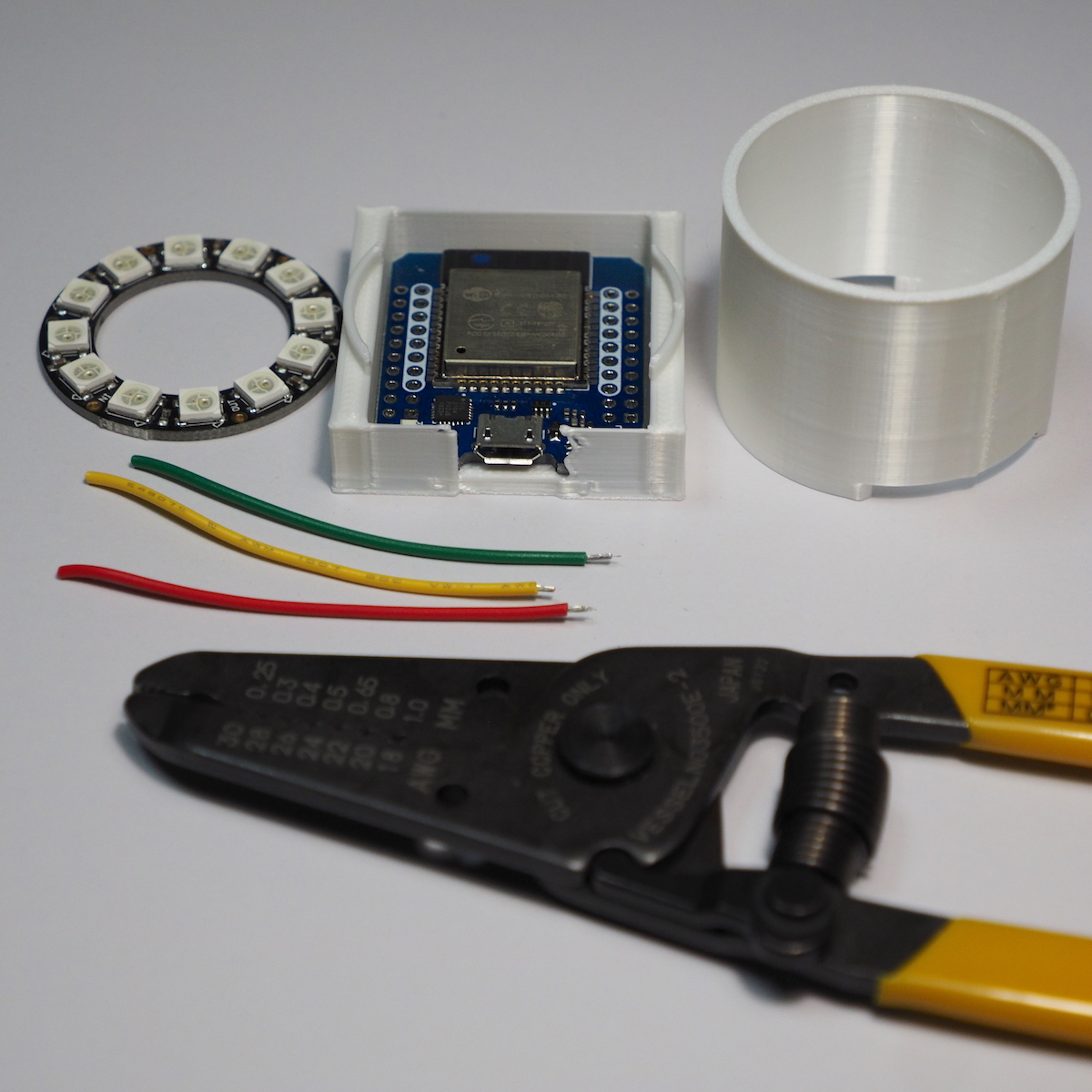
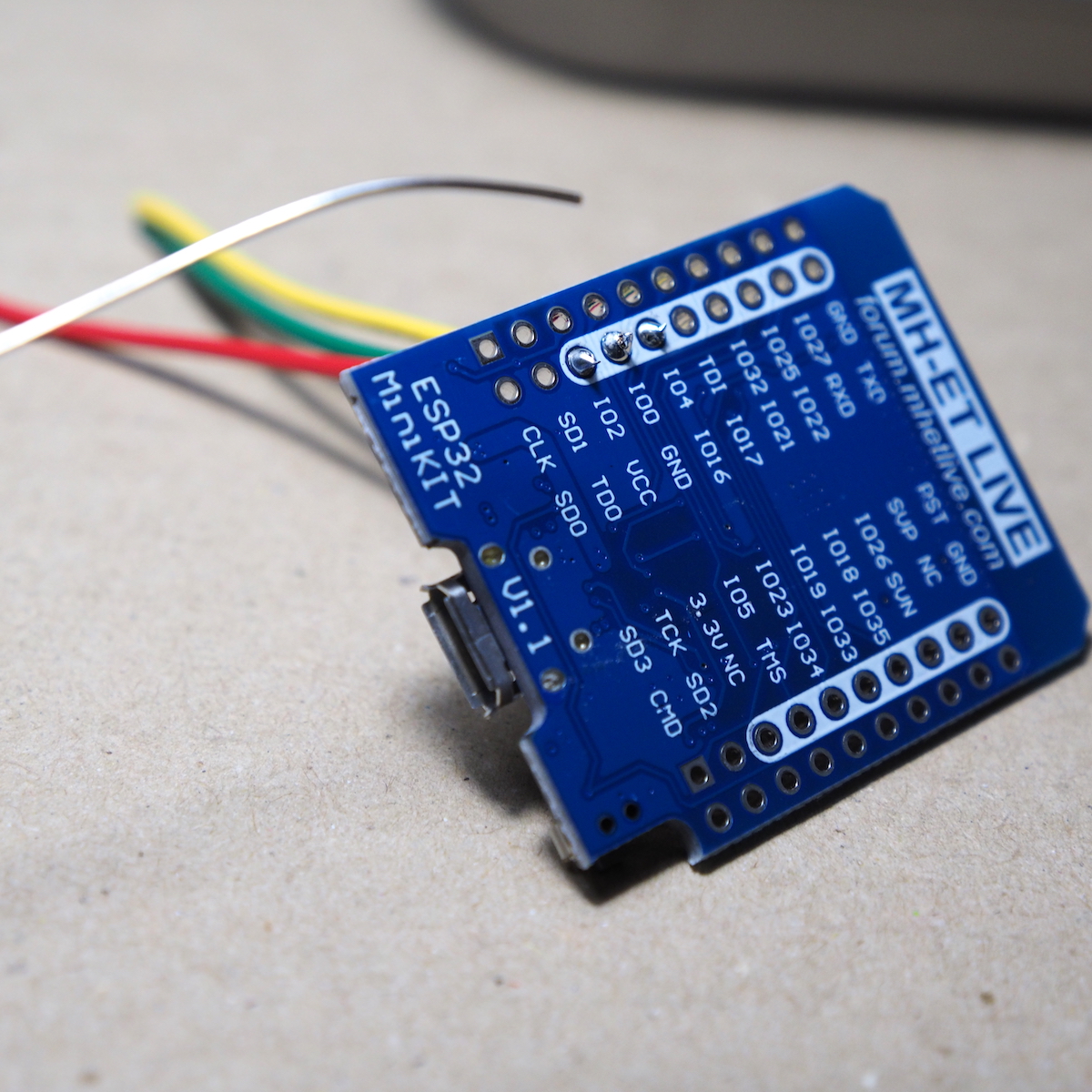
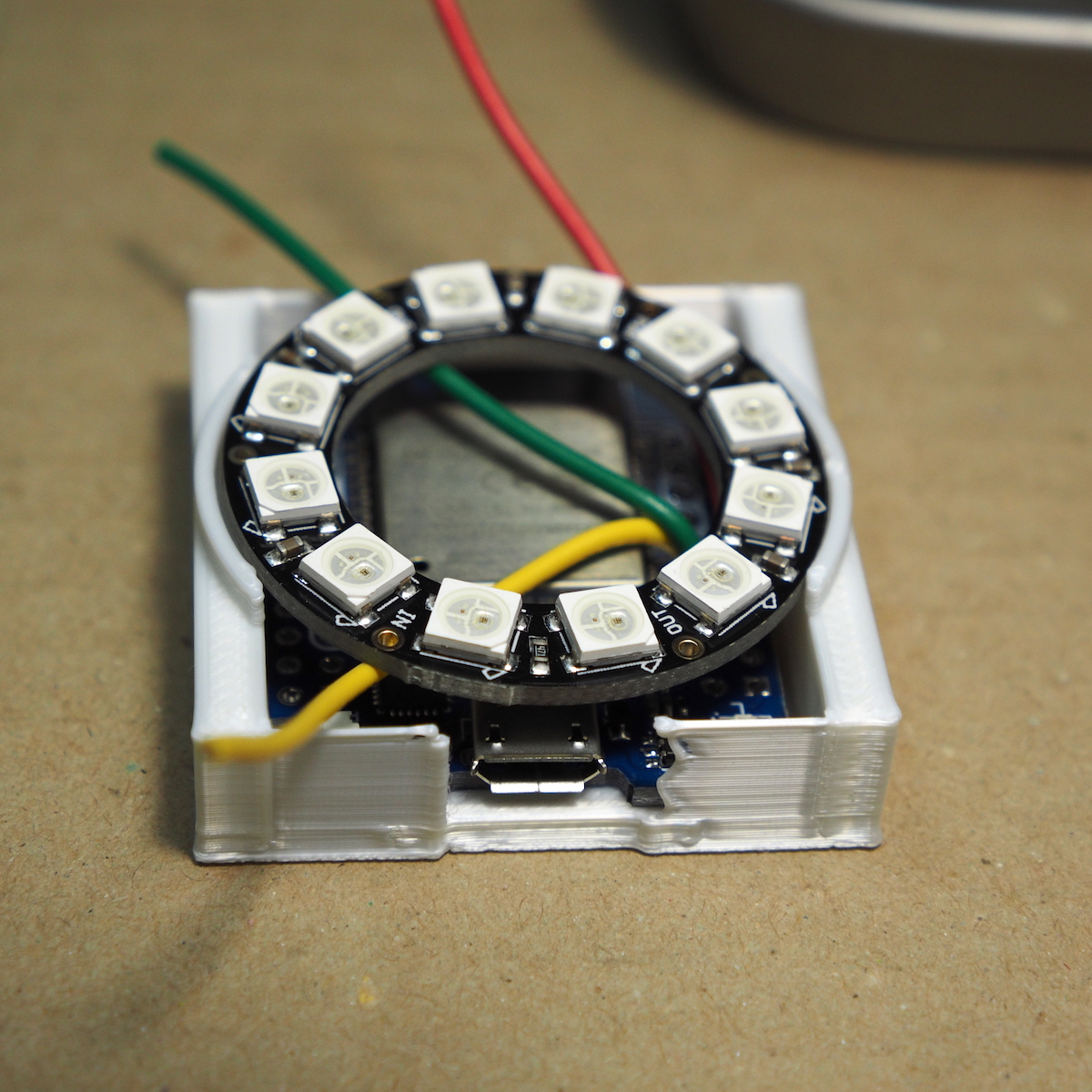
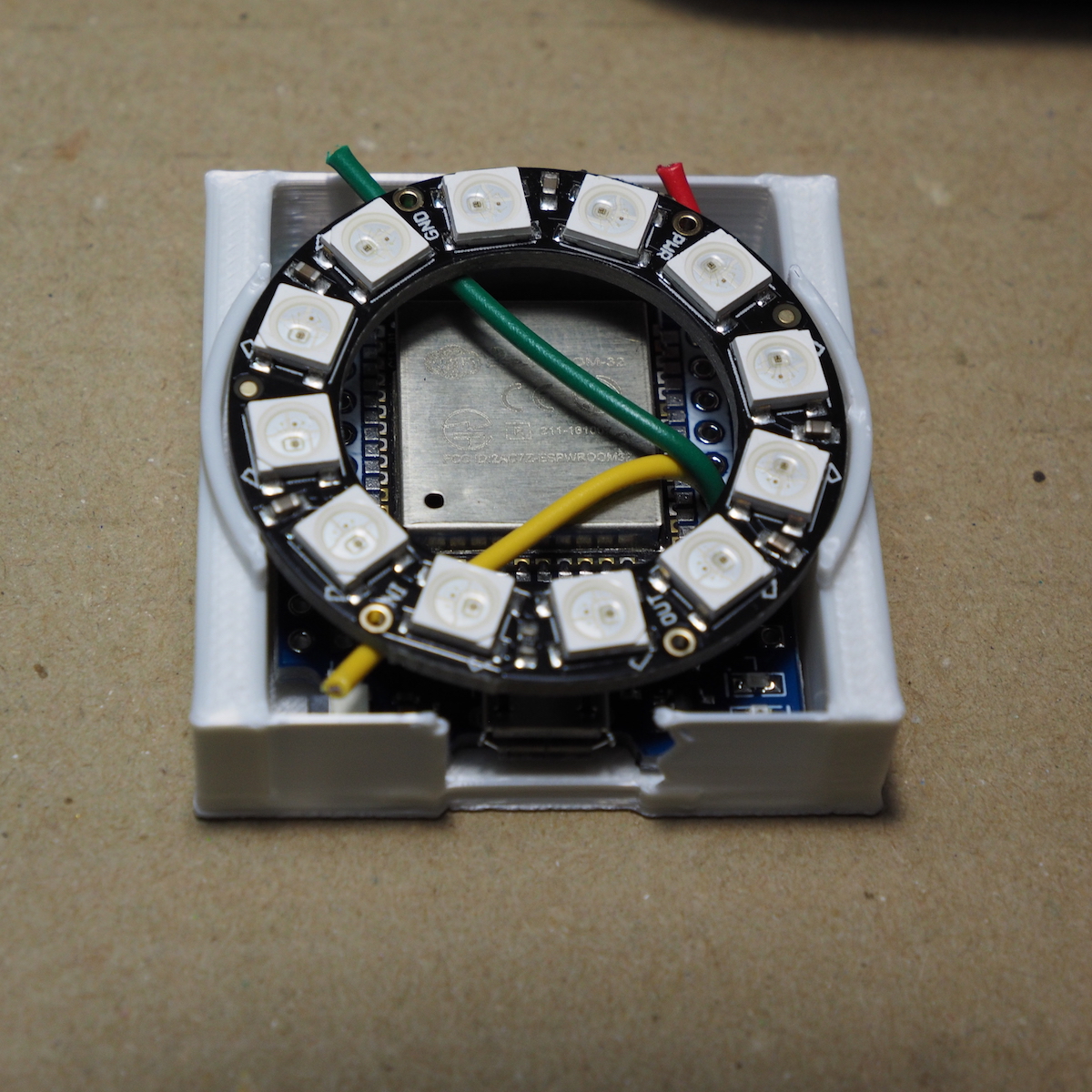
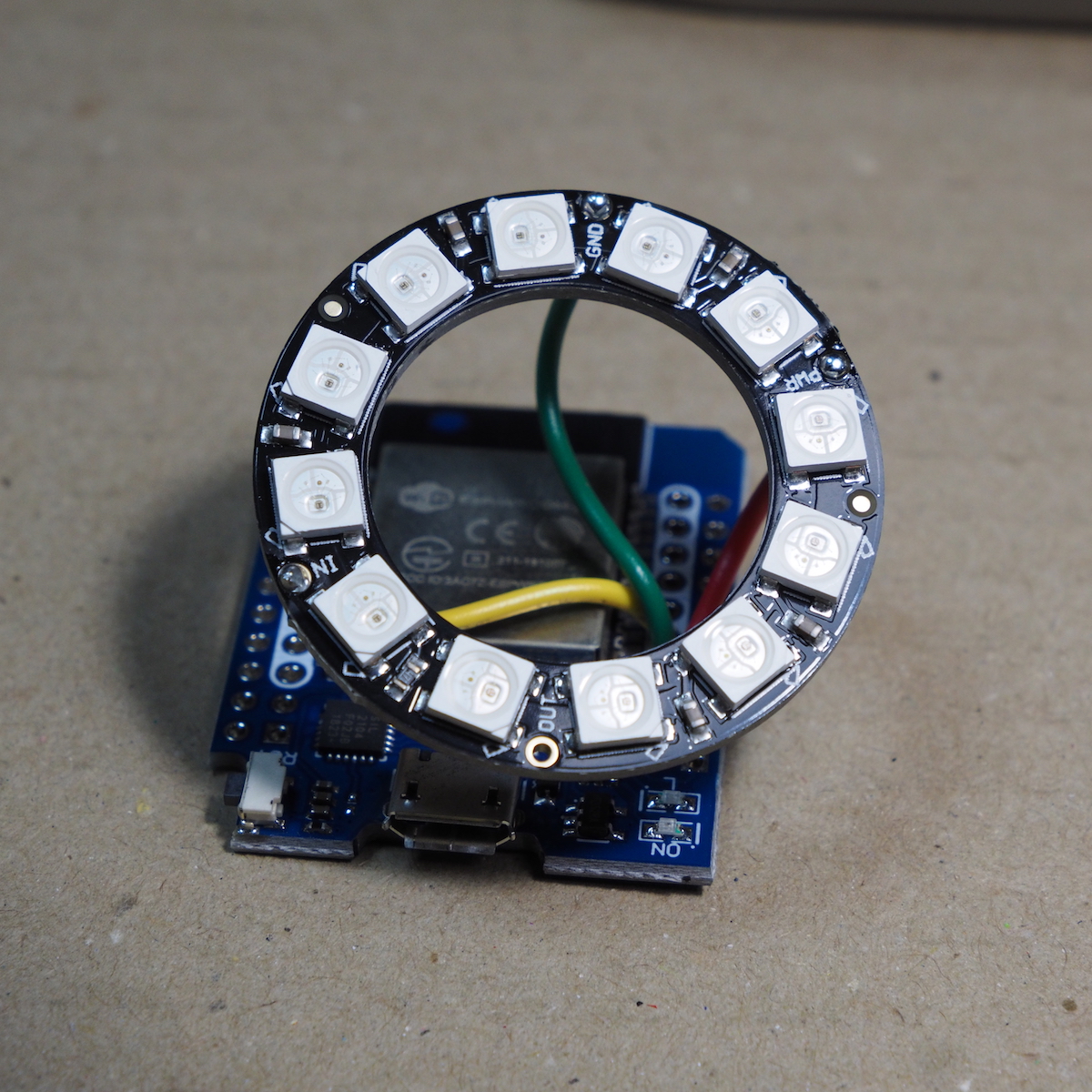
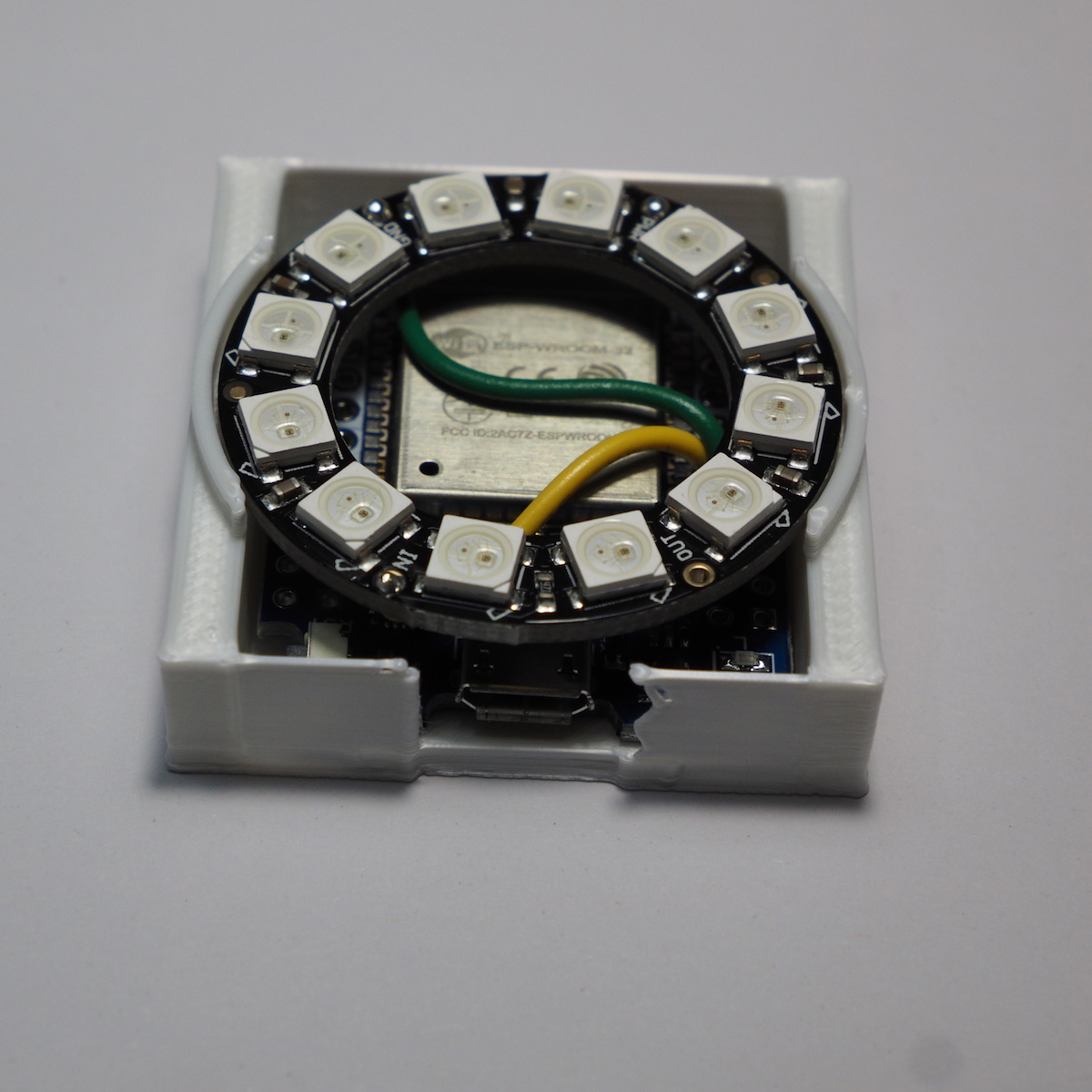
ESP32(MH-ET LIVE ESP32 MiniKit)でシリアルフルカラーLEDを制御するのですが、暑い夏にハンダ付けをするのが面倒になったので、NeoPixelRing(12個)を使いました。VCC、GND、IO16だけ使います。コンパクトにするためにヘッダーピンは使わずに直接ハンダ付けをします。ケースは適当に3Dプリンターで出力しました。
Arduinoプログラムは以下のものを使いました。WiFiのSSIDとパスワードが必要です。
|
1 2 3 4 5 6 7 8 9 10 11 12 13 14 15 16 17 18 19 20 21 22 23 24 25 26 27 28 29 30 31 32 33 34 35 36 37 38 39 40 41 42 43 44 45 46 47 48 49 50 51 52 53 54 55 56 57 58 59 60 61 62 63 64 65 66 67 68 69 70 71 72 73 74 75 76 77 78 79 80 81 82 83 84 85 86 87 88 89 90 91 92 93 94 95 96 97 98 99 100 101 102 103 104 105 106 107 108 109 110 111 112 113 114 115 116 117 118 119 120 121 122 123 124 125 126 127 128 129 130 131 132 133 134 135 136 137 138 139 140 141 142 143 144 145 146 147 148 149 150 151 152 153 154 155 156 157 158 159 160 161 162 163 164 165 166 167 168 169 170 171 172 173 174 175 176 177 178 179 180 181 182 183 184 185 186 187 188 189 190 |
// Lamp Clock 2022 // LampClockT05 by Koji Ohashi @MaDA Lab // 2022.08.10 // for NeoPixelRing12 #include <WiFi.h> #include "time.h" const char* ssid = "***********"; const char* password = "***********"; const char* ntpServer = "ntp.nict.jp"; const long gmtOffset_sec = 9*3600; const int daylightOffset_sec = 0; int SecCount=300; int ntpIntervalSec=1200;//sec //------------------------------ hw_timer_t * timer = NULL; volatile SemaphoreHandle_t timerSemaphore; portMUX_TYPE timerMux = portMUX_INITIALIZER_UNLOCKED; //------------------------------ #include <FastLED.h> #define DATA_PIN 16 #define NUM_LEDS 12 #define DAY_VALUE 180 #define NIGHT_VALUE 50 #define DAY_START 6 #define DAY_END 17 CRGBArray<NUM_LEDS> leds; CRGBPalette16 currentPalette; TBlendType currentBlending; #define UPDATES_PER_SECOND 100 boolean DayTime=true; boolean Start_Hour=false; boolean End_Minute=false; boolean NewHourPalette=false; boolean NewMinutePalette=false; int LED_Hue=0; int LED_Value=0; void setup() { Serial.begin(115200); delay(500); Serial.println("LampClockT05 by Koji Ohashi @MaDA Lab"); //connect to WiFi Serial.printf("Connecting to %s ", ssid); WiFi.begin(ssid, password); while (WiFi.status() != WL_CONNECTED) { delay(500); Serial.print("."); } Serial.println(" CONNECTED"); configTime(gmtOffset_sec, daylightOffset_sec, ntpServer); printLocalTime(); //--------------- onTimerSetup(); //--------------- FastLED.addLeds<WS2812B, DATA_PIN, GRB>(leds, NUM_LEDS); currentPalette = RainbowColors_p; currentBlending = LINEARBLEND; clearDisplay(); delay(3000); } void loop(){ if (xSemaphoreTake(timerSemaphore, 0) == pdTRUE){ printLocalTime(); SecCount=SecCount+1; } if(SecCount>=ntpIntervalSec){ configTime(gmtOffset_sec, daylightOffset_sec, ntpServer); Serial.print("Updated to "); printLocalTime(); SecCount=0; } if(DayTime){ LED_Value=DAY_VALUE; } else { LED_Value=NIGHT_VALUE; } if(!Start_Hour){NewHourPalette=false;} if(!End_Minute){NewMinutePalette=false;} if(Start_Hour && !NewHourPalette){ HourPalette(); } if(!Start_Hour && End_Minute && !NewMinutePalette){ MinutePalette(); } if(Start_Hour || End_Minute){ LED_Palette(); } else { LED_Display(); } } void printLocalTime(){ struct tm timeInfo; getLocalTime(&timeInfo); int time_h=timeInfo.tm_hour;; int time_m=timeInfo.tm_min; int time_s=timeInfo.tm_sec; DayTime=(time_h>=DAY_START)&&(time_h<=DAY_END);//Day or Night Start_Hour=(time_m < 3); //HourPalette End_Minute=(time_s > 50); //colorChange int DayMins=time_h*60 + time_m; //DayMins:0 to 1440 DayMins=(DayMins+960)%1440; //8時(480)を0にオフセットするために480を引く代わりに960を足す。 LED_Hue = map(DayMins,0,1440,0,255); //LEDの色を設定する Serial.print(time_h); Serial.print(":"); Serial.print(time_m); Serial.print(":"); Serial.println(time_s); } void LED_Display(){ for(int i=0;i<NUM_LEDS;i++){ leds[i] = CHSV( LED_Hue, 255, LED_Value); } FastLED.show(); FastLED.delay(1000 / UPDATES_PER_SECOND); } void clearDisplay(){ for(int i=0;i<NUM_LEDS;i++){ leds[i] = CRGB::Black; } FastLED.show(); } void LED_Palette(){ static uint8_t startIndex = 0; startIndex = startIndex + 1; /* motion speed */ FillLEDsFromPaletteColors( startIndex); FastLED.show(); FastLED.delay(1000 / UPDATES_PER_SECOND); } void FillLEDsFromPaletteColors( uint8_t colorIndex) { uint8_t brightness = 255; for( int i = 0; i < NUM_LEDS; i++) { leds[i] = ColorFromPalette( currentPalette, colorIndex, brightness, currentBlending); colorIndex += 3; } } void HourPalette() { CRGB DayMins = CHSV( LED_Hue, 255, LED_Value); CRGB DayMins1 = CHSV( (LED_Hue+85)%255, 255, LED_Value); CRGB DayMins2 = CHSV( (LED_Hue+170)%255, 255, LED_Value); currentPalette = CRGBPalette16( DayMins, DayMins, DayMins, DayMins, DayMins, DayMins, DayMins, DayMins, DayMins1, DayMins1, DayMins1, DayMins1, DayMins2, DayMins2, DayMins2, DayMins2 ); NewHourPalette=true; } void MinutePalette() { CRGB DayMins = CHSV( LED_Hue, 255, LED_Value); CRGB dark = CHSV( LED_Hue, 255, LED_Value/2); CRGB black = CRGB::Black; currentPalette = CRGBPalette16( dark, dark, DayMins, DayMins, DayMins, dark, dark, dark, DayMins, DayMins, DayMins, DayMins, DayMins, DayMins, dark, dark ); NewMinutePalette=true; } void IRAM_ATTR onTimer(){ portENTER_CRITICAL_ISR(&timerMux); portEXIT_CRITICAL_ISR(&timerMux); xSemaphoreGiveFromISR(timerSemaphore, NULL);//Give a semaphore that we can check in the loop } void onTimerSetup(){ timerSemaphore = xSemaphoreCreateBinary(); timer = timerBegin(0, 80, true); timerAttachInterrupt(timer, &onTimer, true);//Attach onTimer function to our timer. timerAlarmWrite(timer, 1000000, true);//alarm 1sec interval timerAlarmEnable(timer);//Start an alarm } |
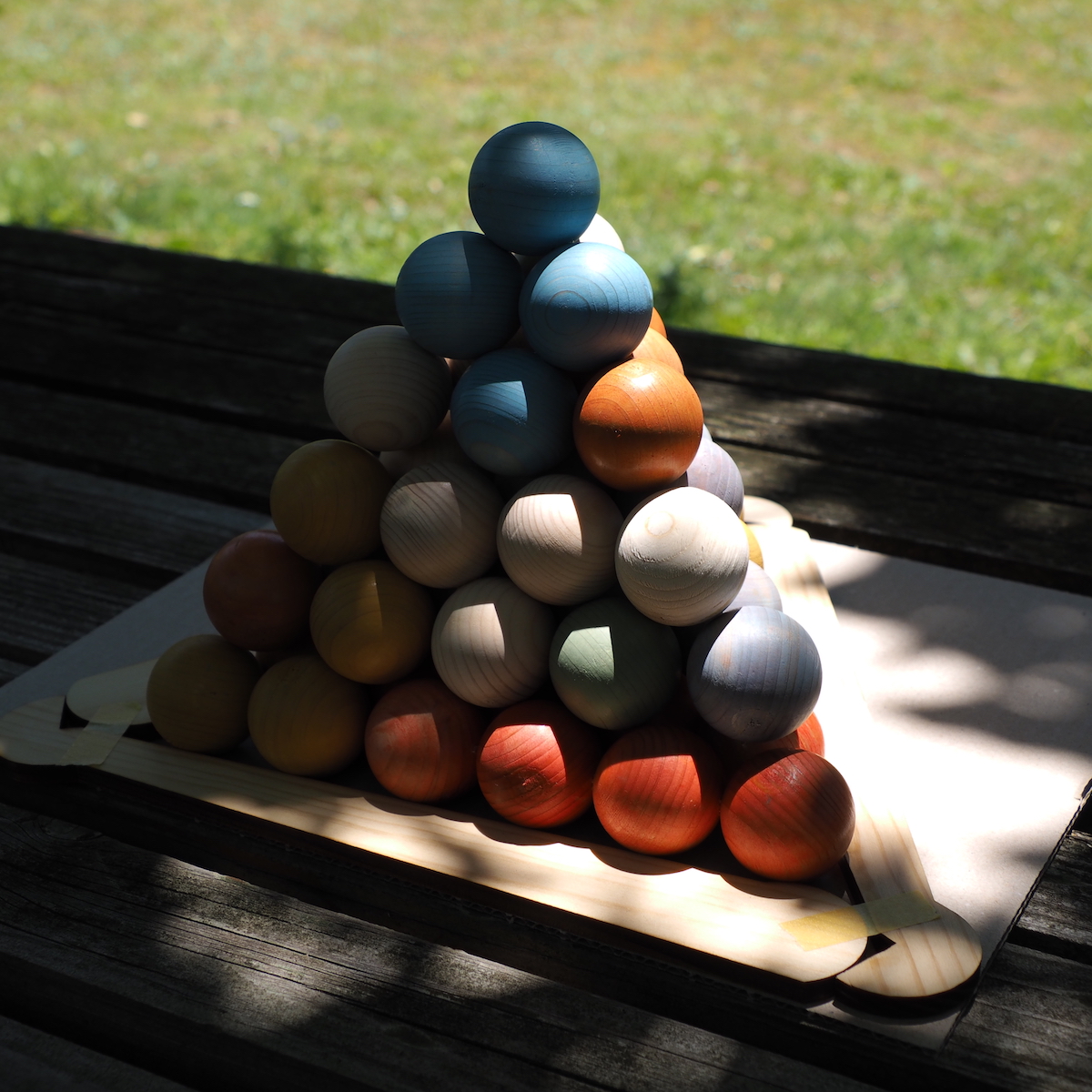
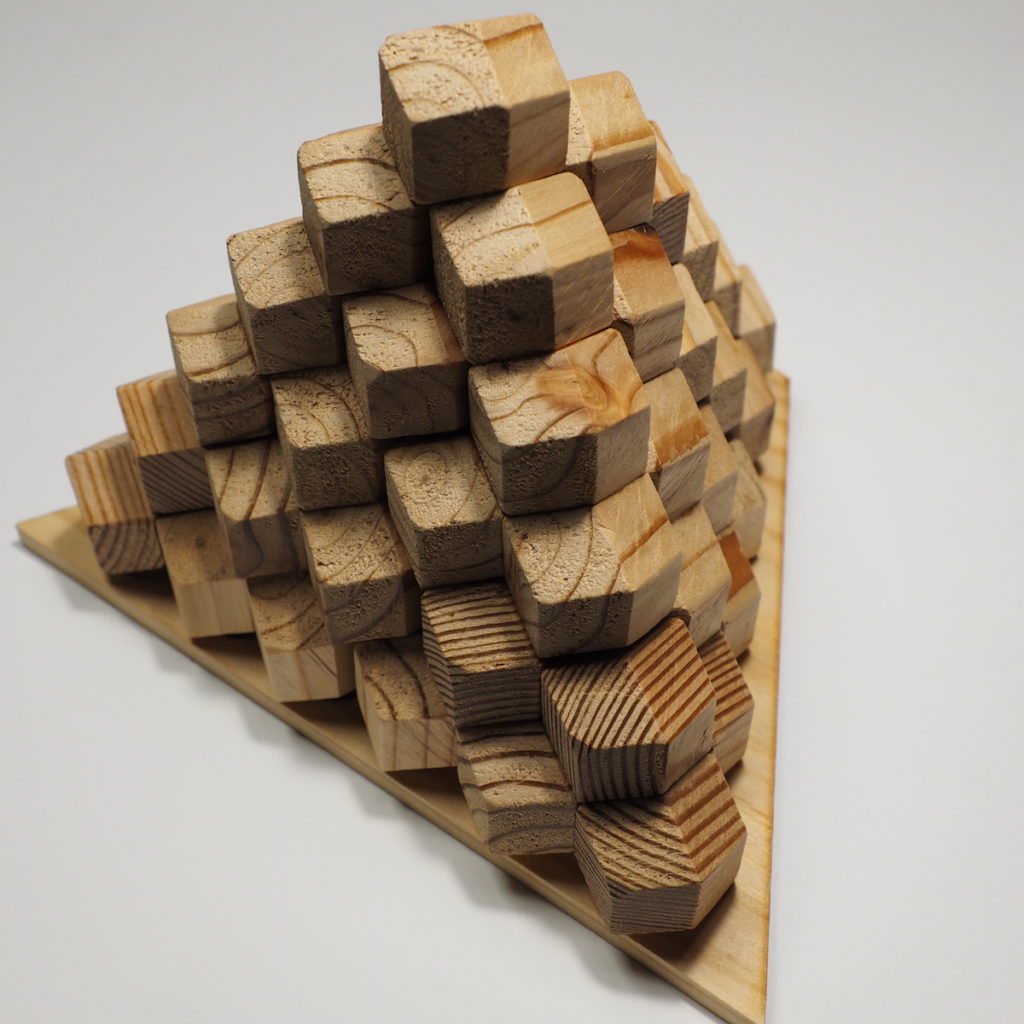
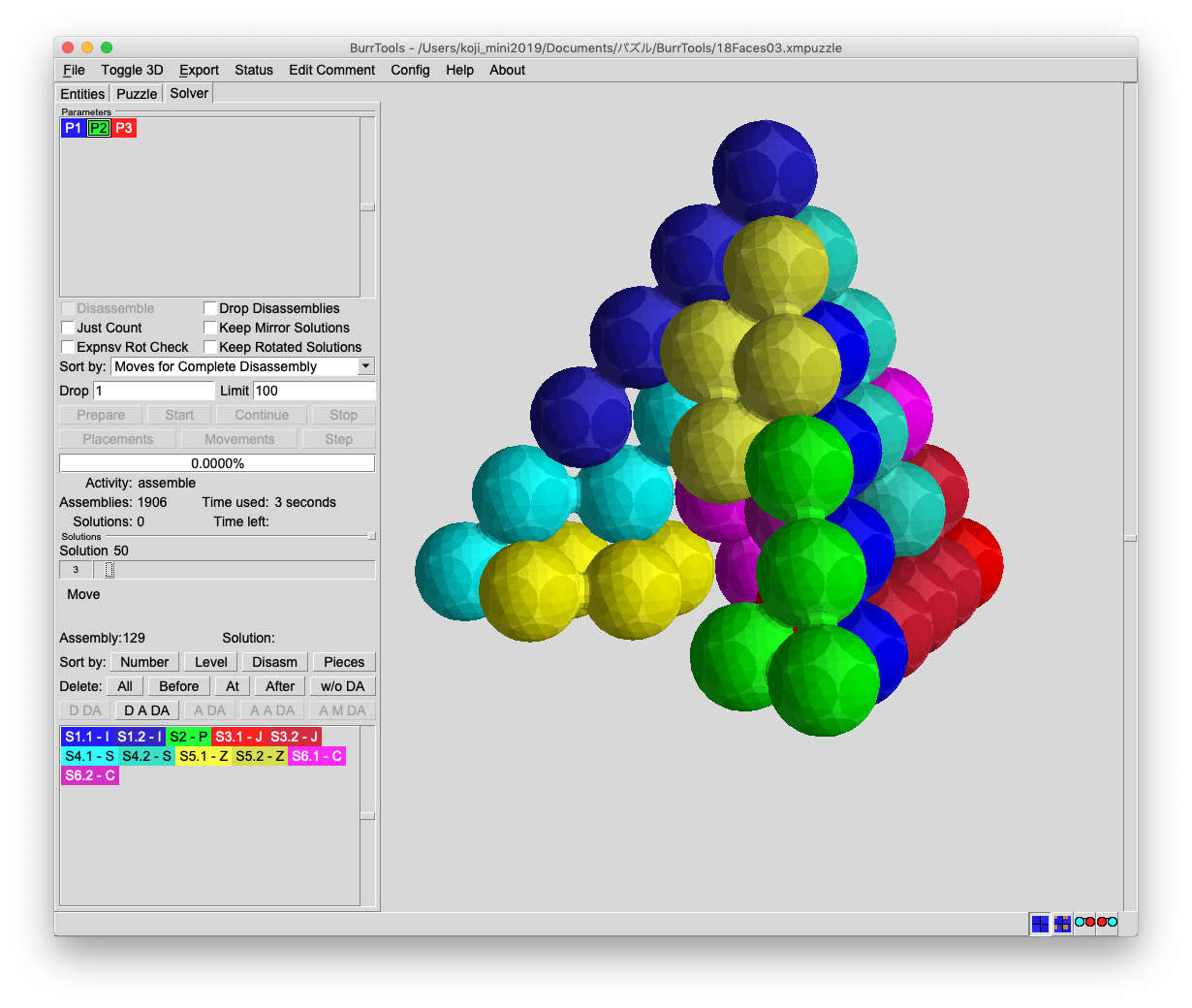
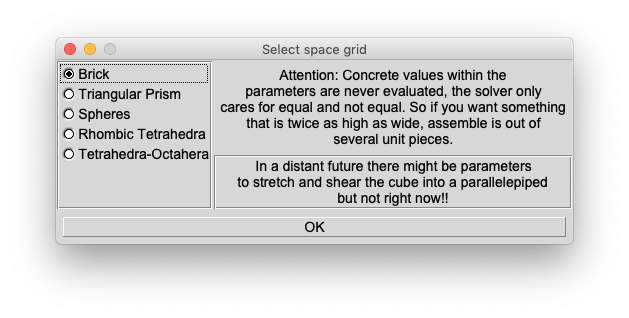
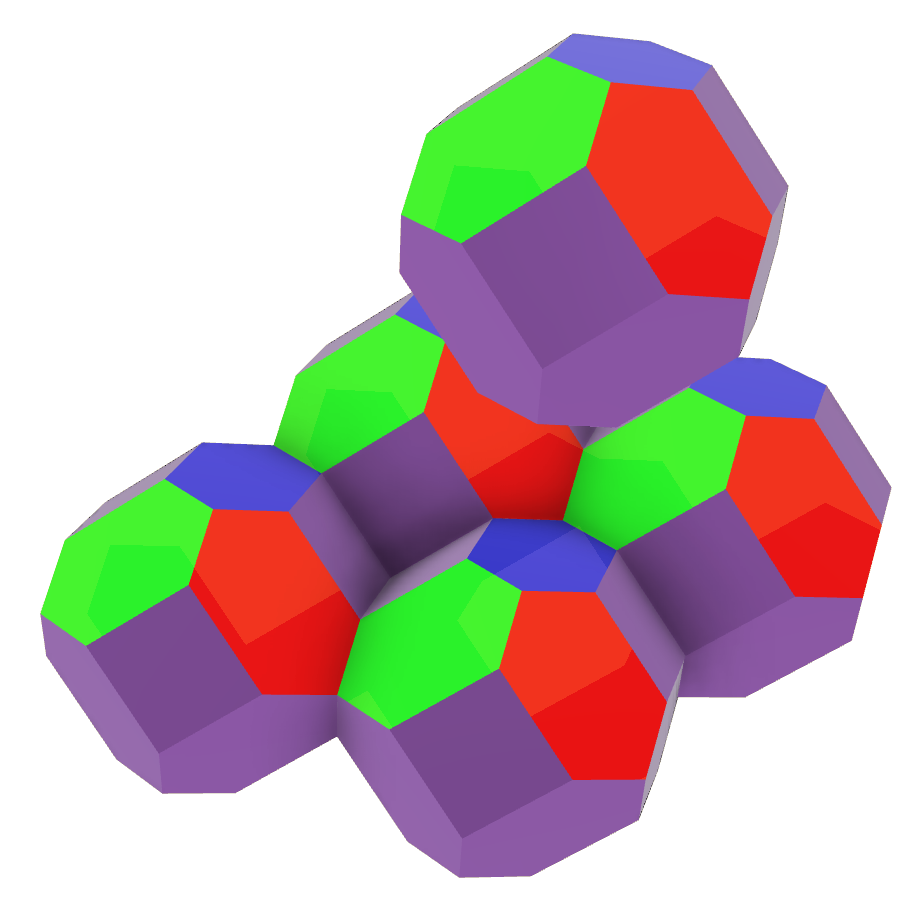
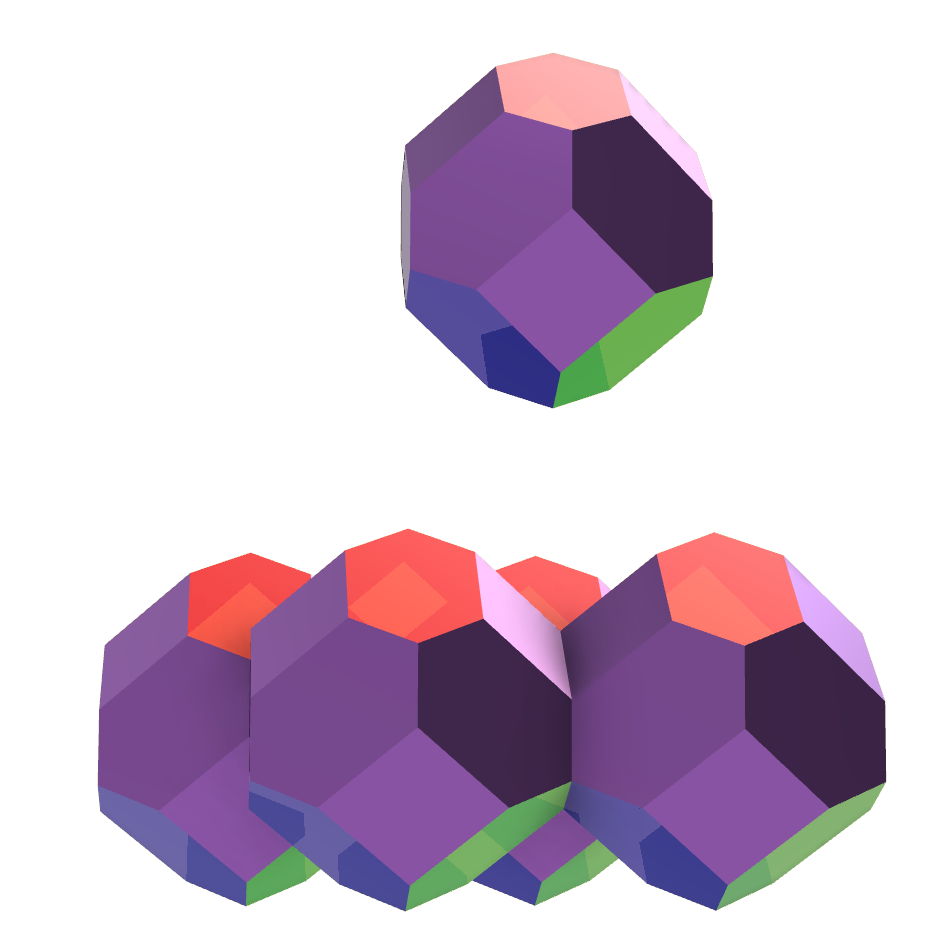
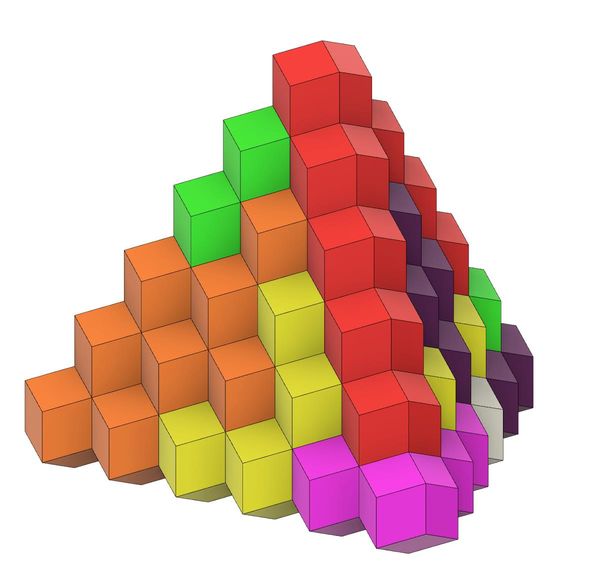
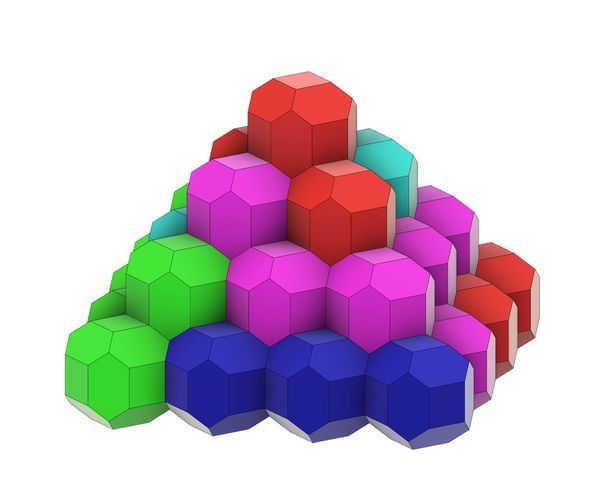
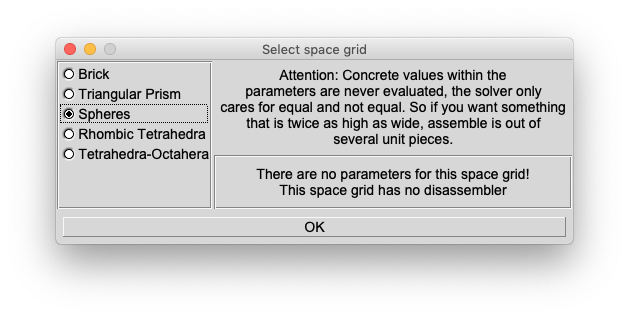 BurrToolsでは基本が面心立方格子なので素直に形状を選んでいくと月見団子的な4角錐になります。
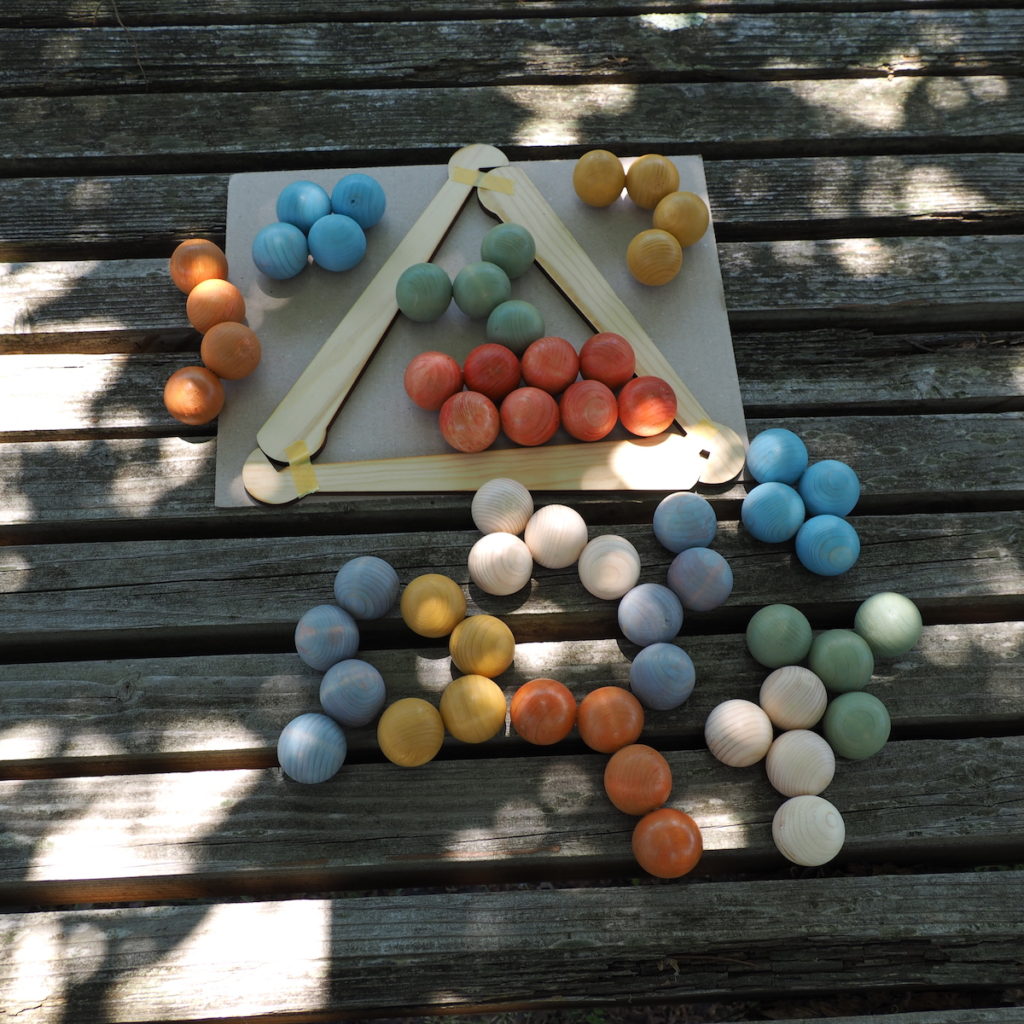
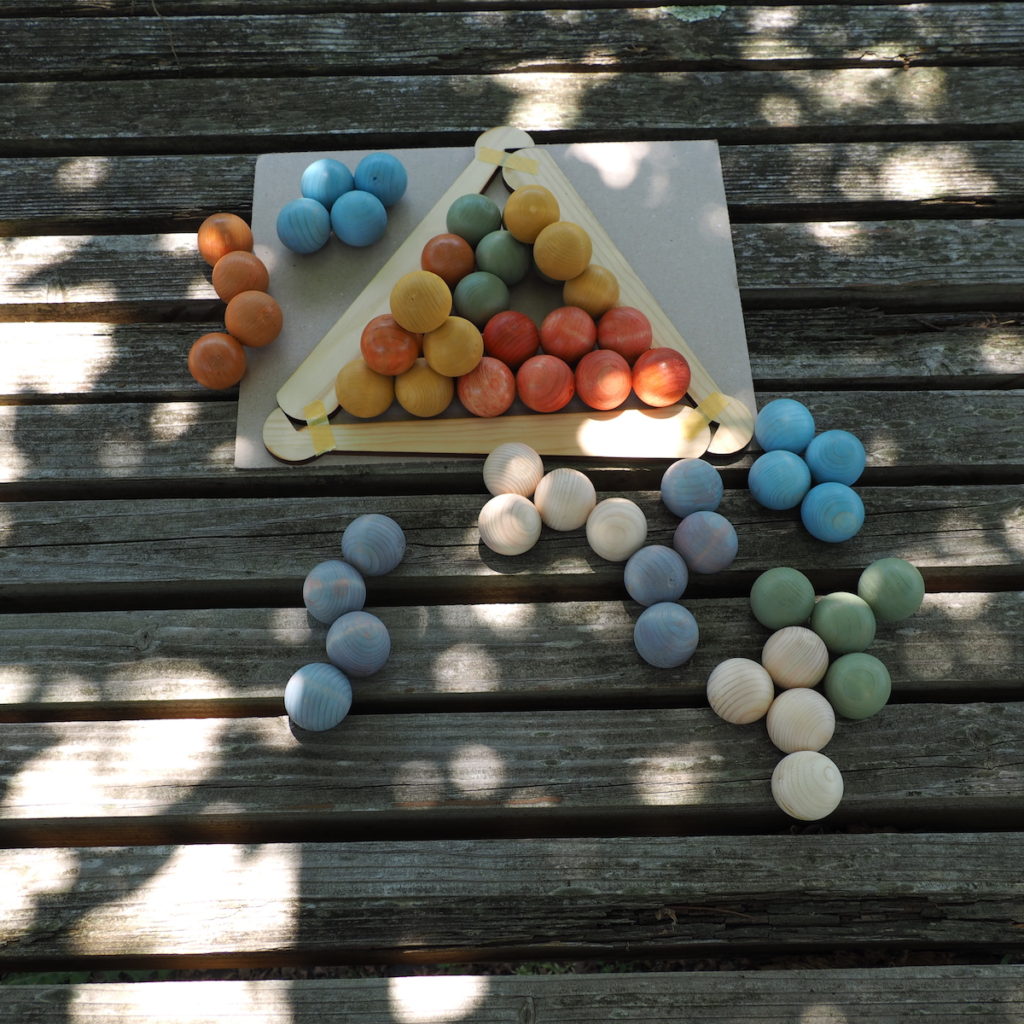
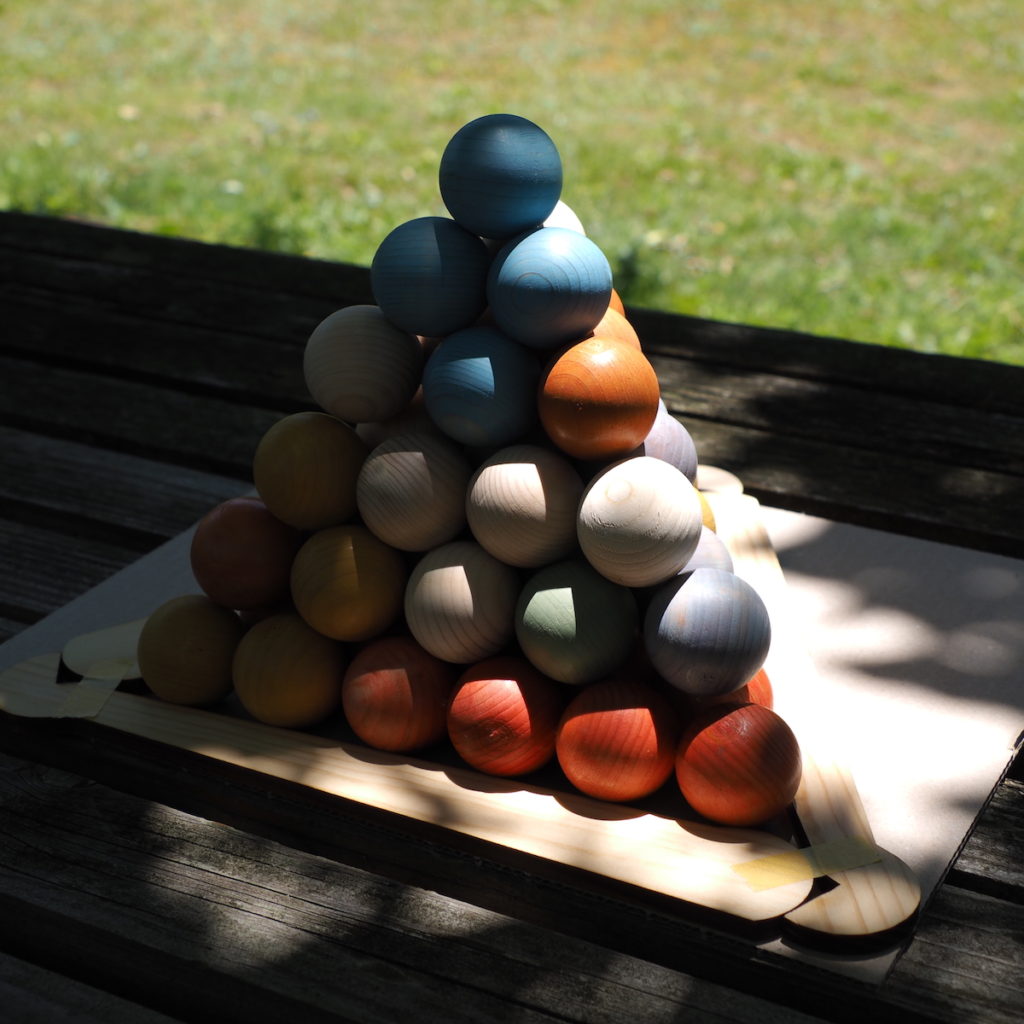
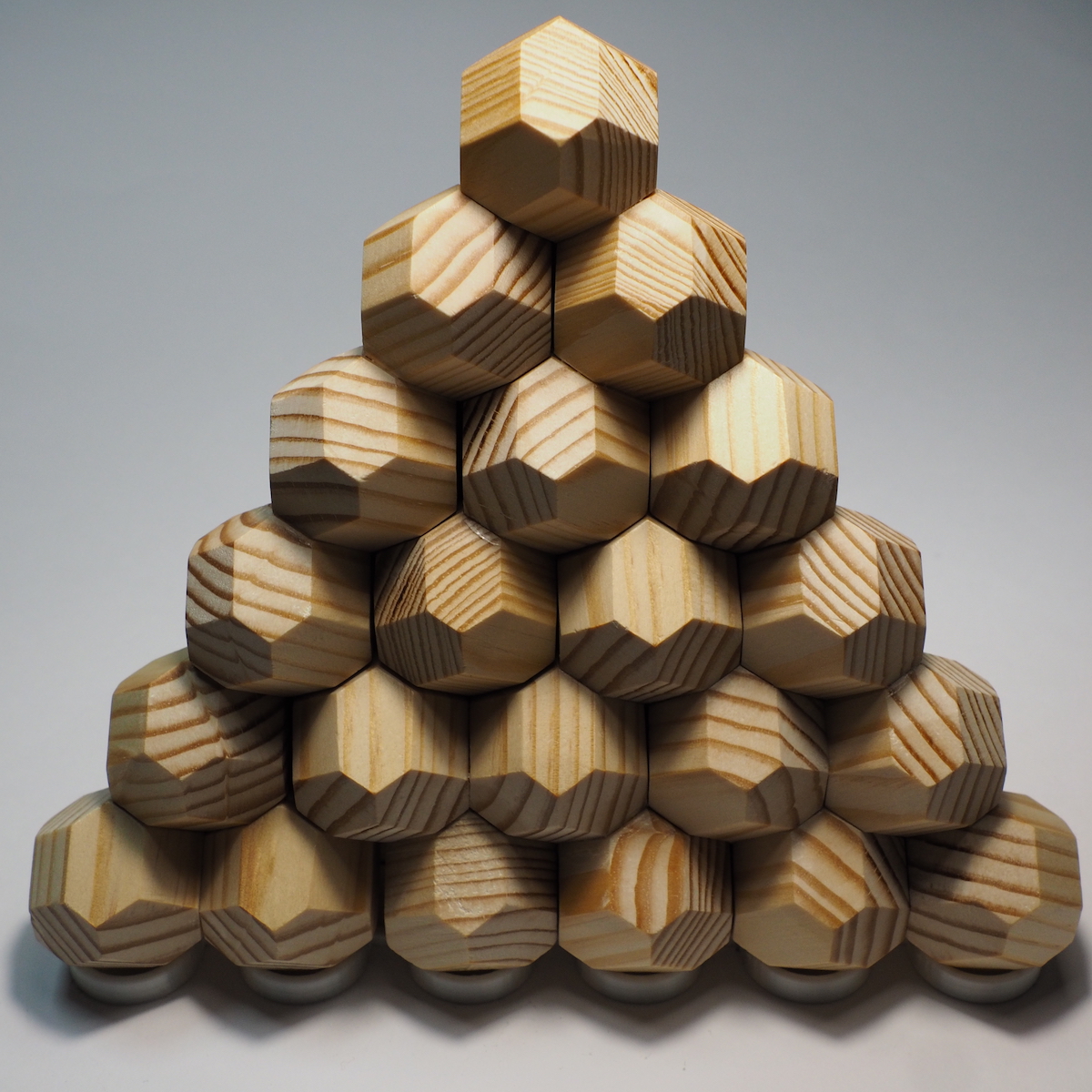
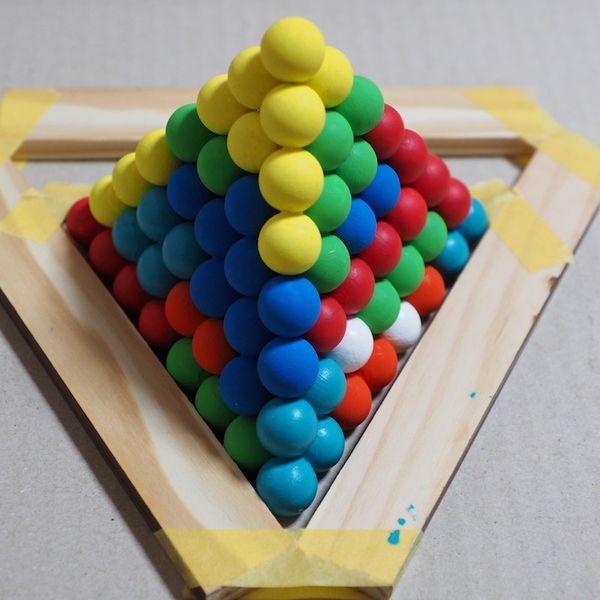
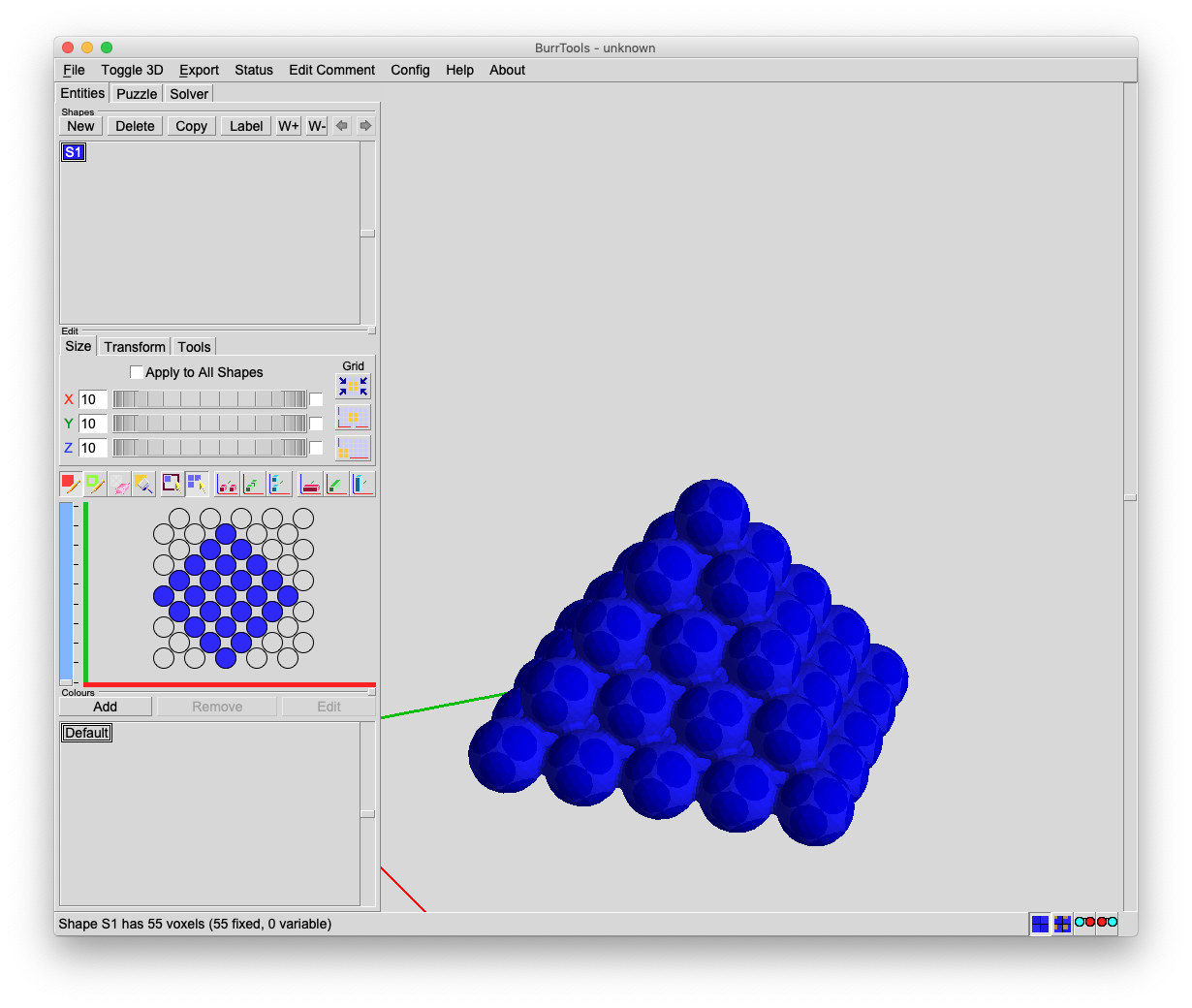 「正四面体パズルは三角形の底面に球を敷き詰めて、2段目は3個の球のくぼみに乗せていきます。3段目も同様にくぼみに乗せていきます。最終的に頂上に1個乗せて正四面体になります。ここで上の図を見ると四角錐の斜面が正三角形であることに気がつくと思います。この正三角形を正四面体パズルの底面とみなせばOKです。(文末参照/訂正箇所)」
 傾けて配置する点にだけ注意すればスクエアキューブパズルで紹介したように問題を解くことができます。
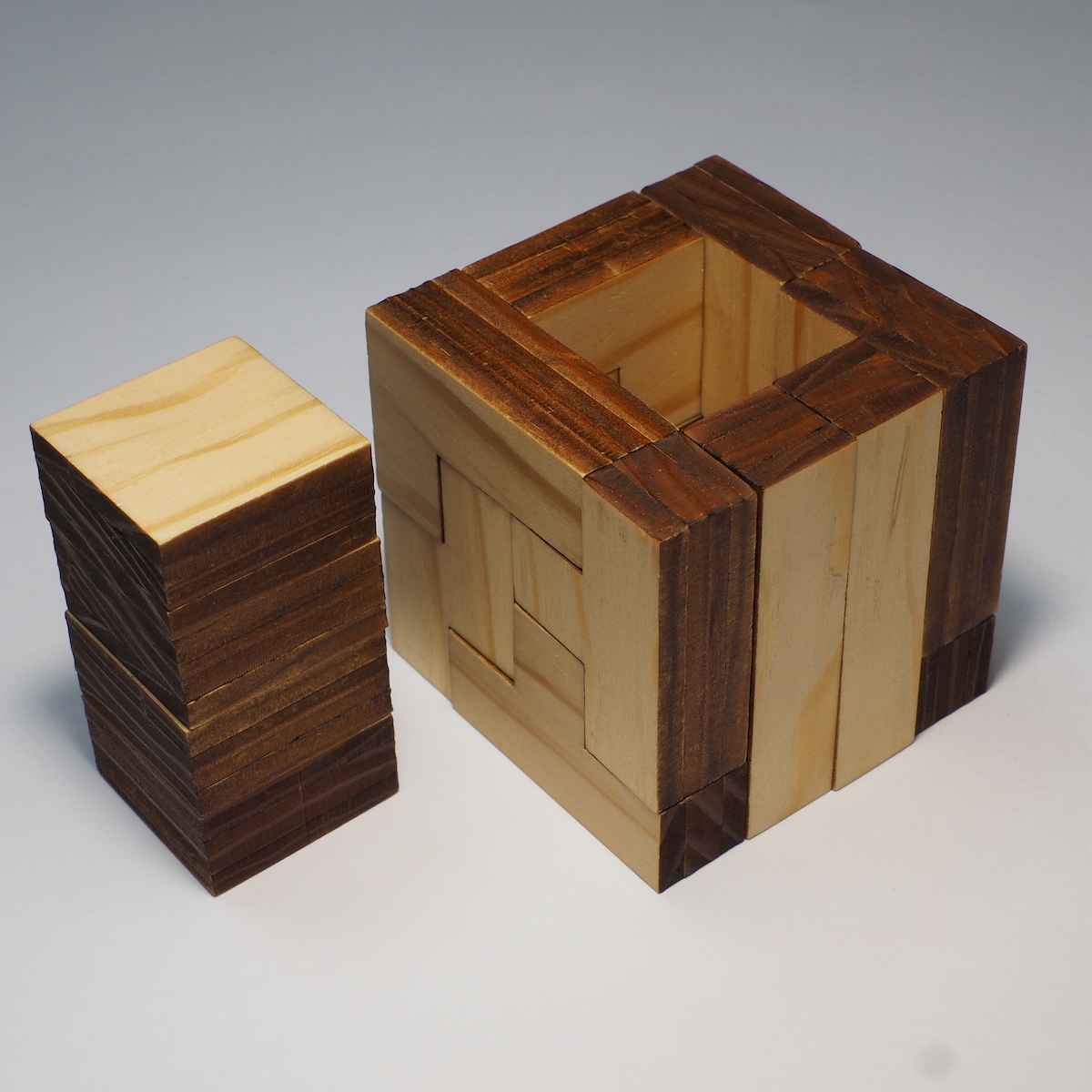
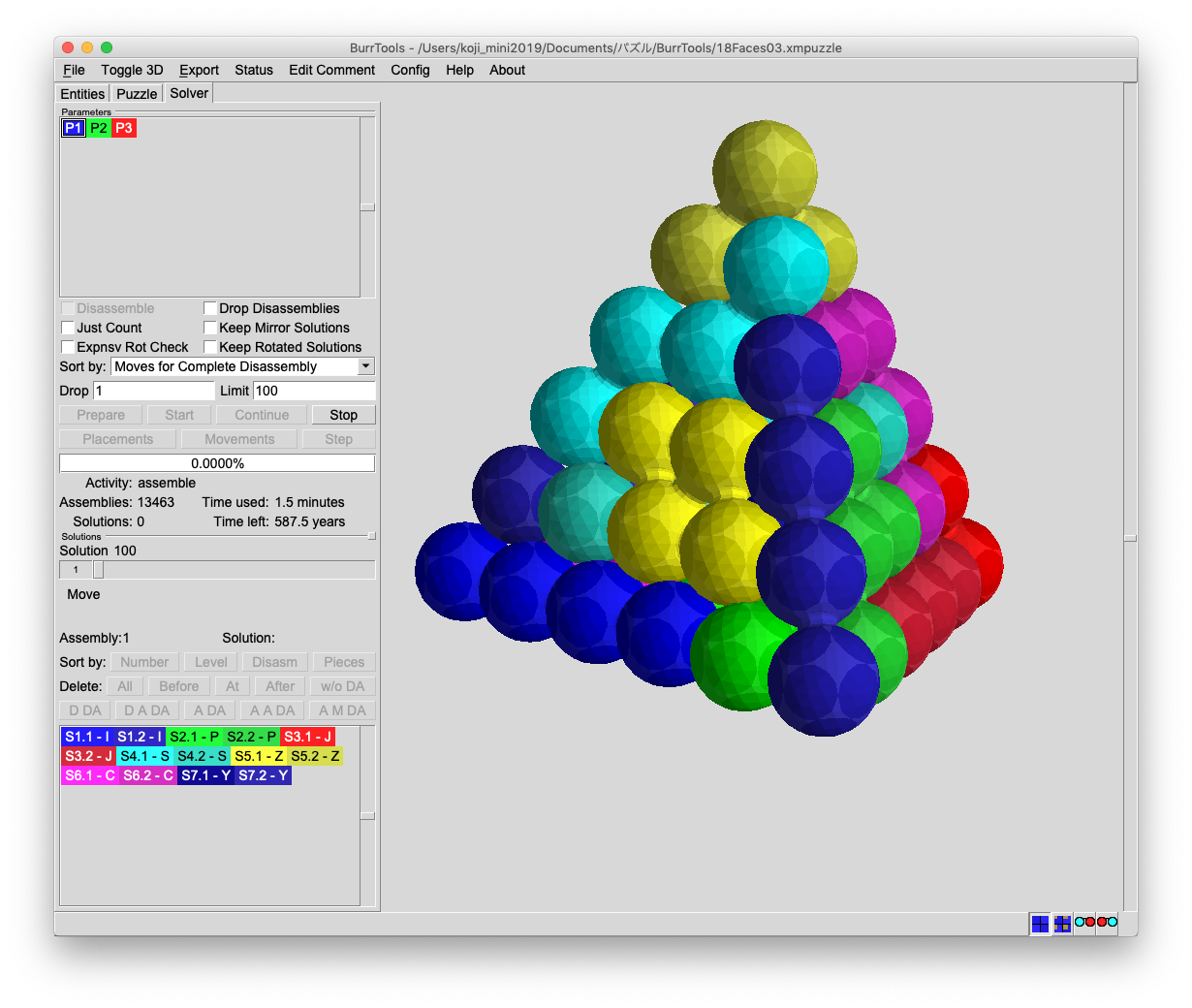 スクエアキューブパズルと同じように正四面体パズルも組み方が多様で、数分で1万通りを越えましたが、全ての組み合わせを探し終わるまで500年ぐらいかかると書かれています。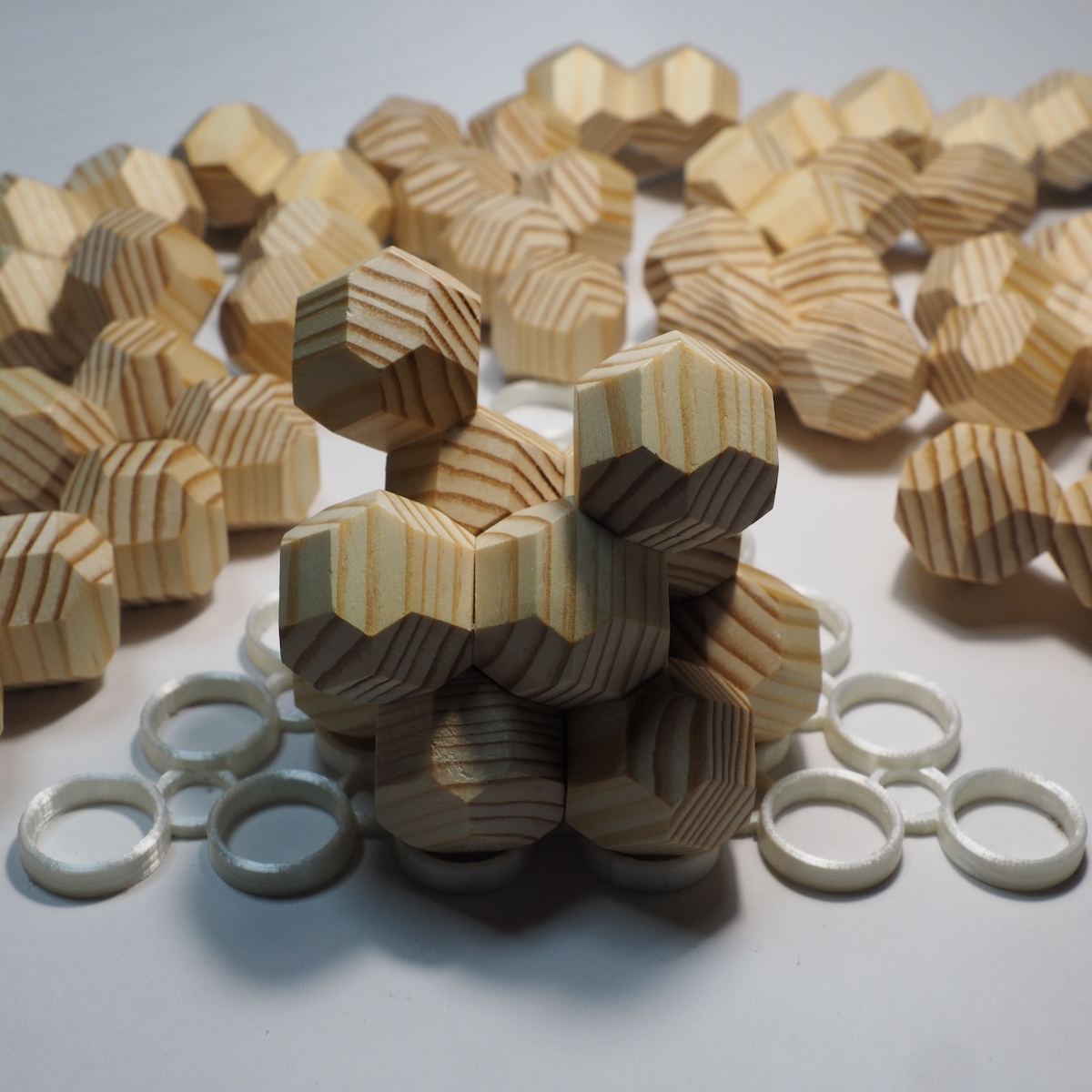
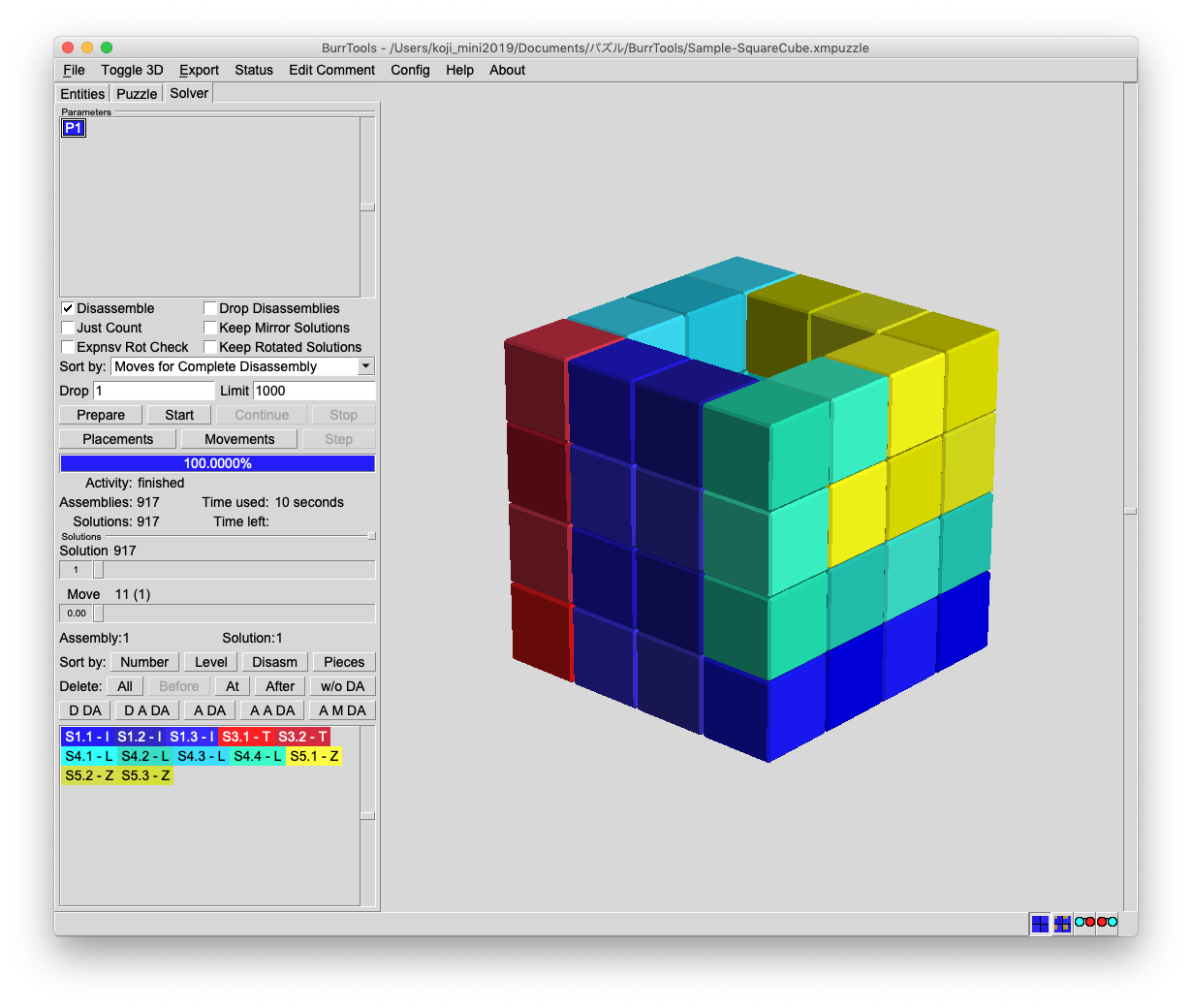
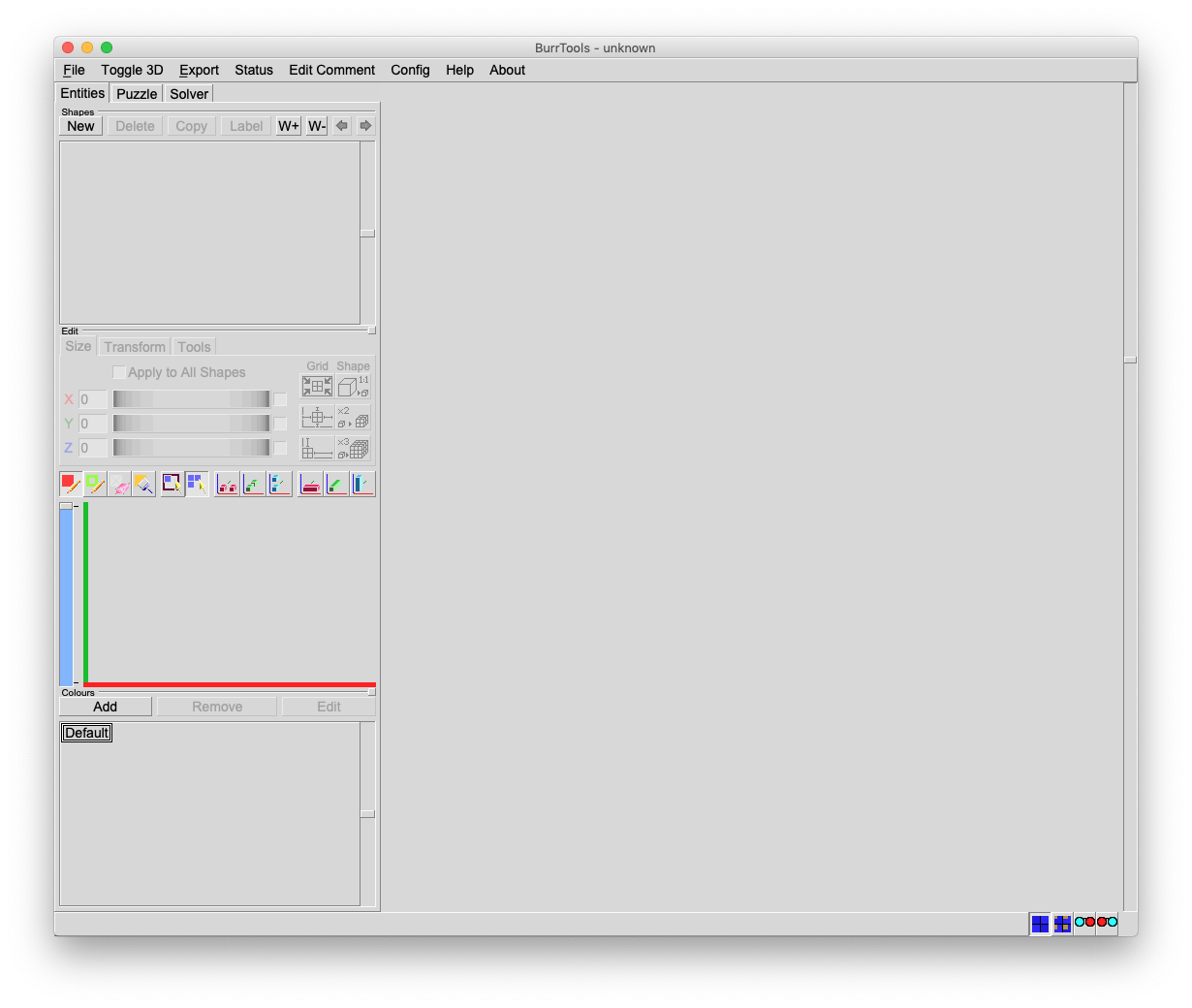
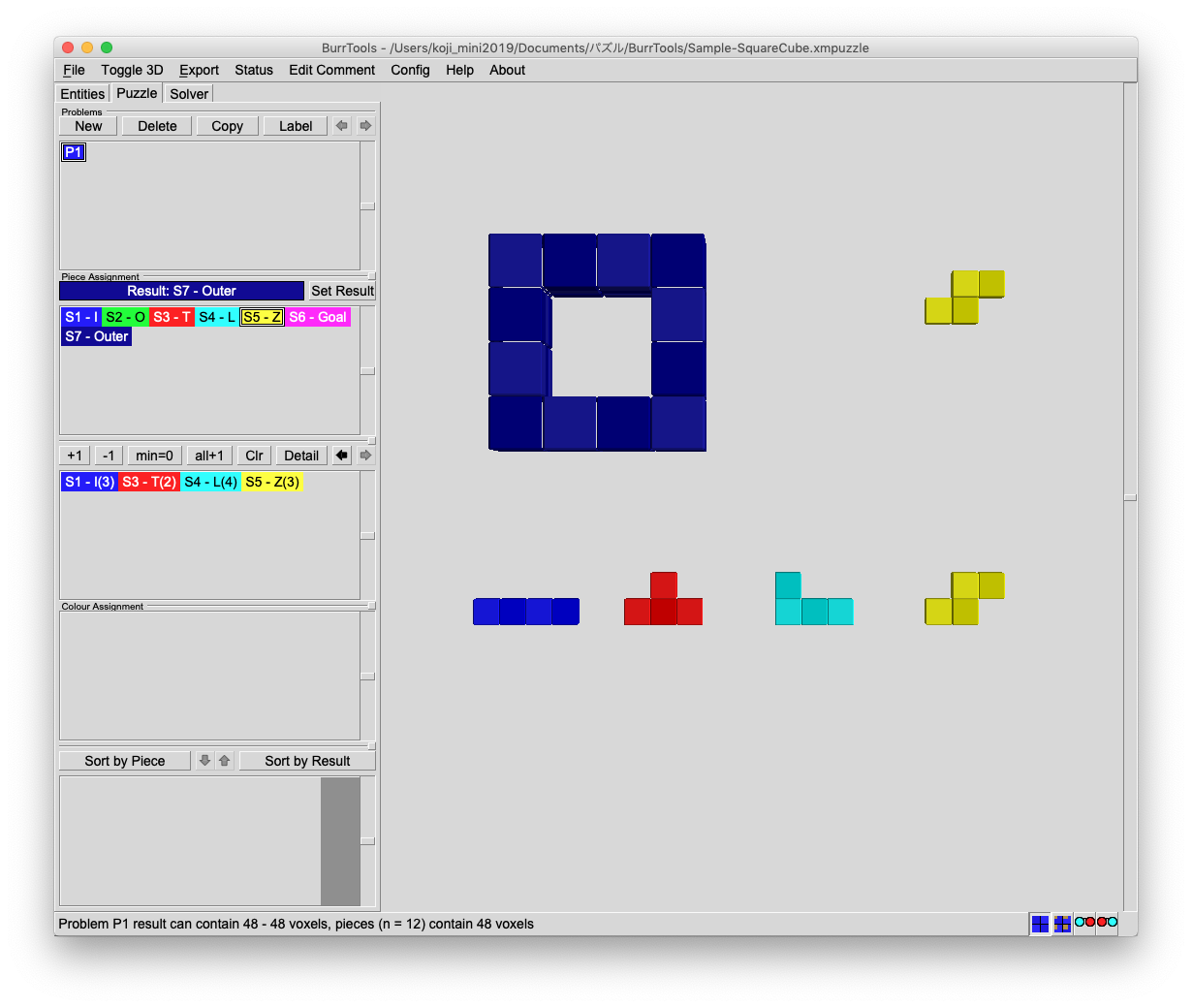
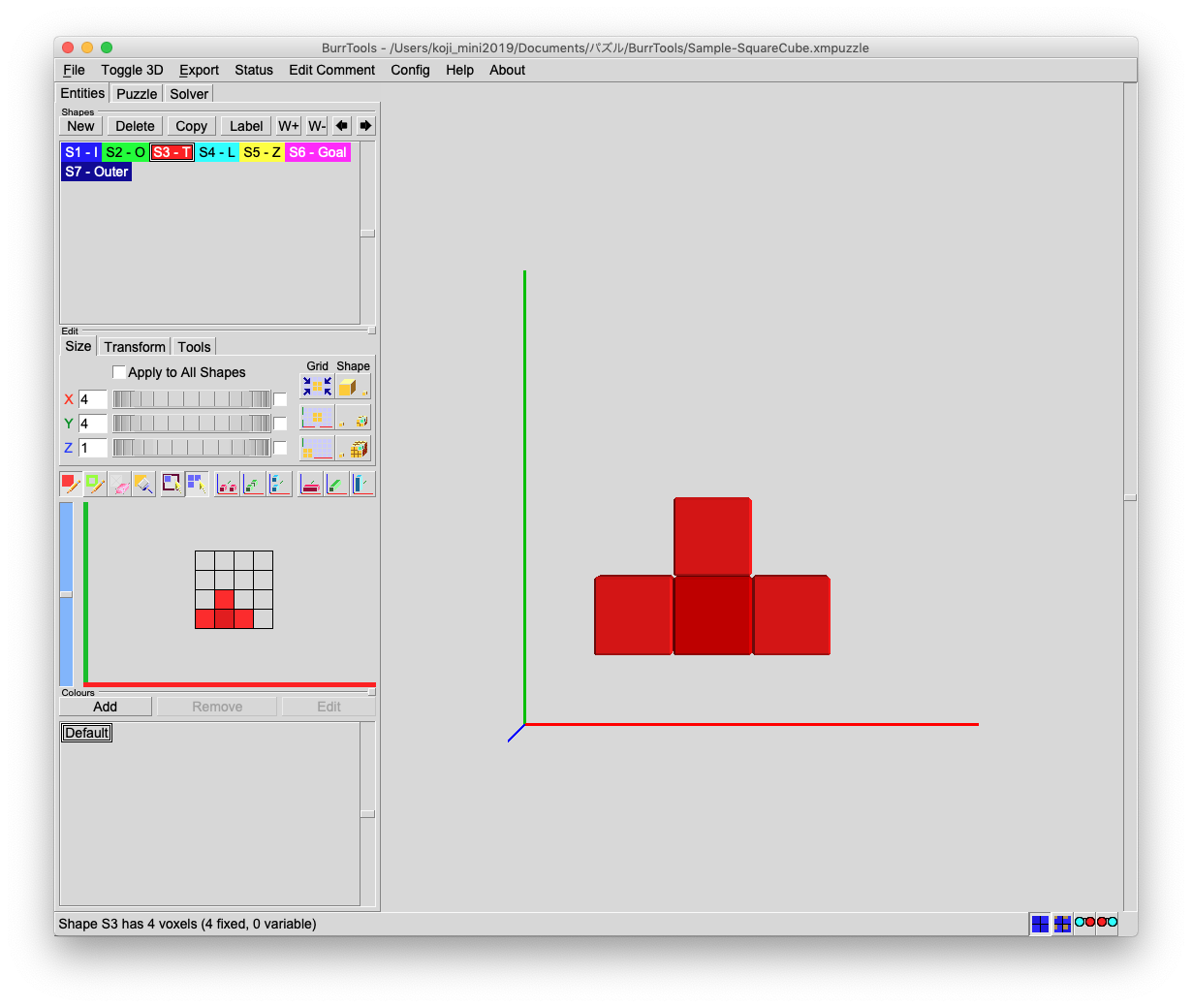 “S6-Goal”は全てのピースを使った立方体を組み立て後の状態として登録したものです。X=4、Y=4、Z=4としました。左のスライダーでZを1から4まで切り替えながらグリッドを選択します。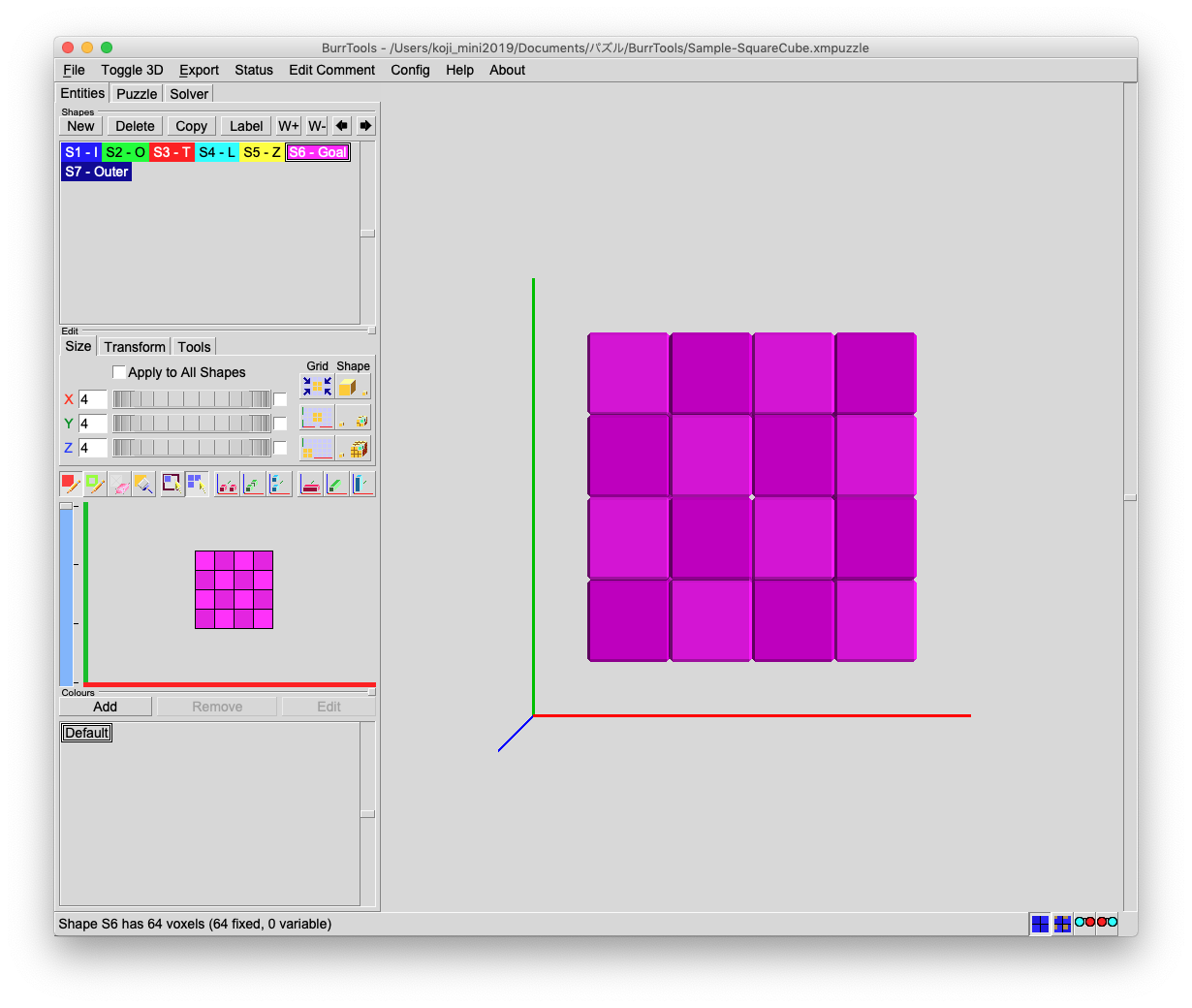
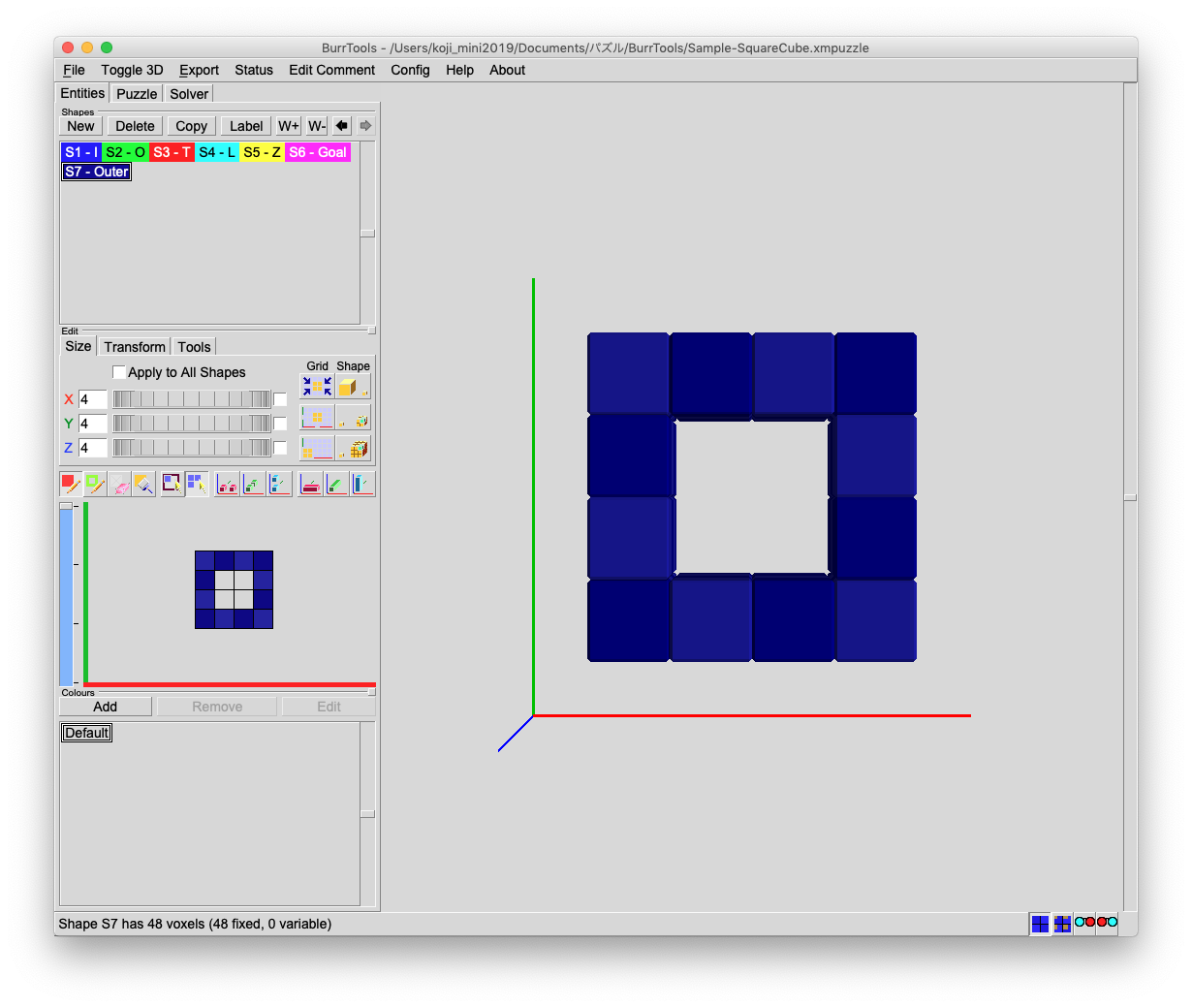
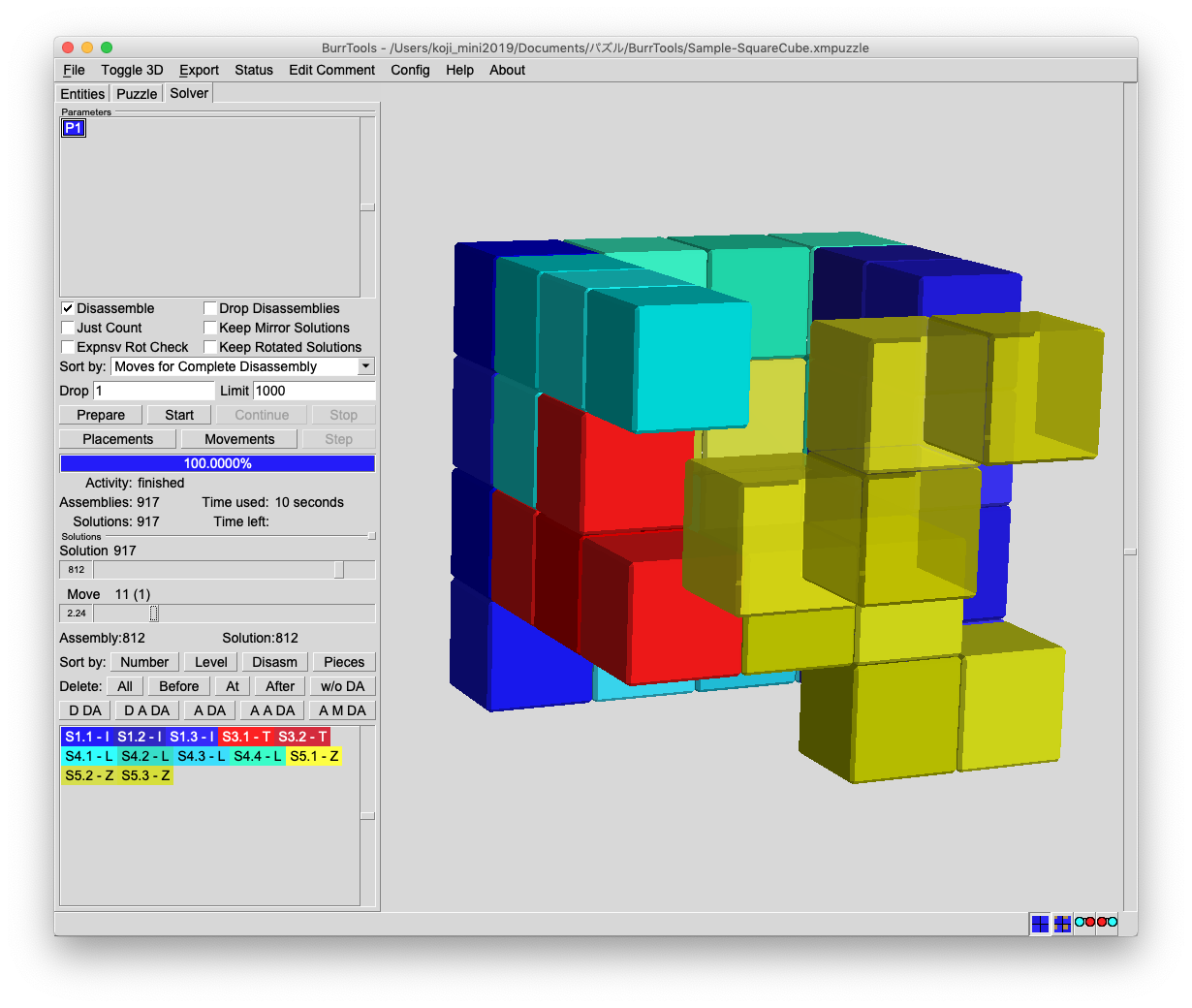 スクエアキューブパズルはこんなにたくさんの組み合わせがあるので、難しいパズルが好きな人には向きませんが、気分転換にちょっと遊んでみたり、お互いに問題を出し合ったりして無限に楽しめるのですね。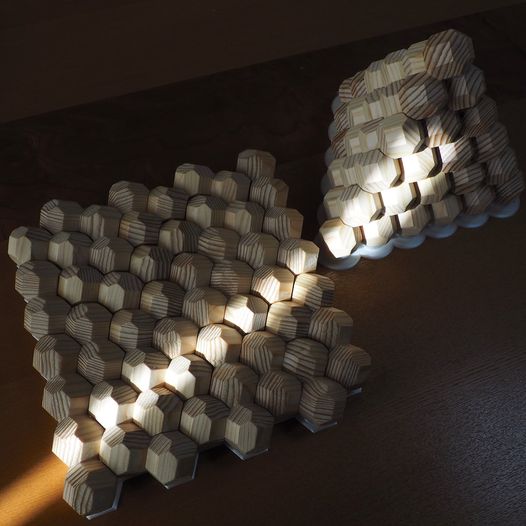
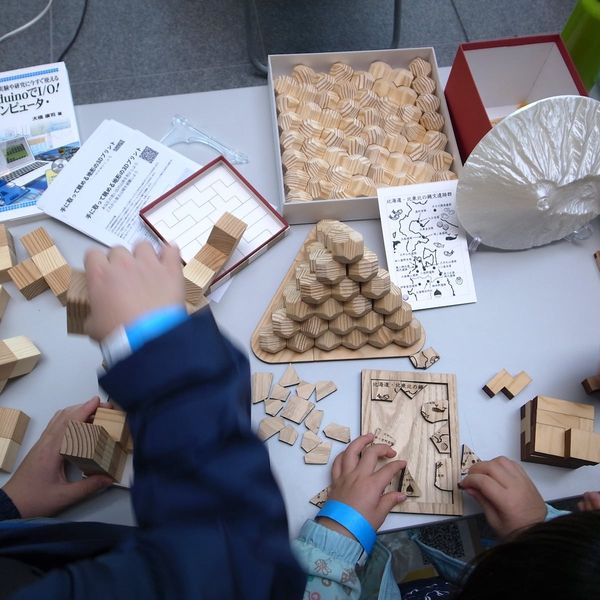
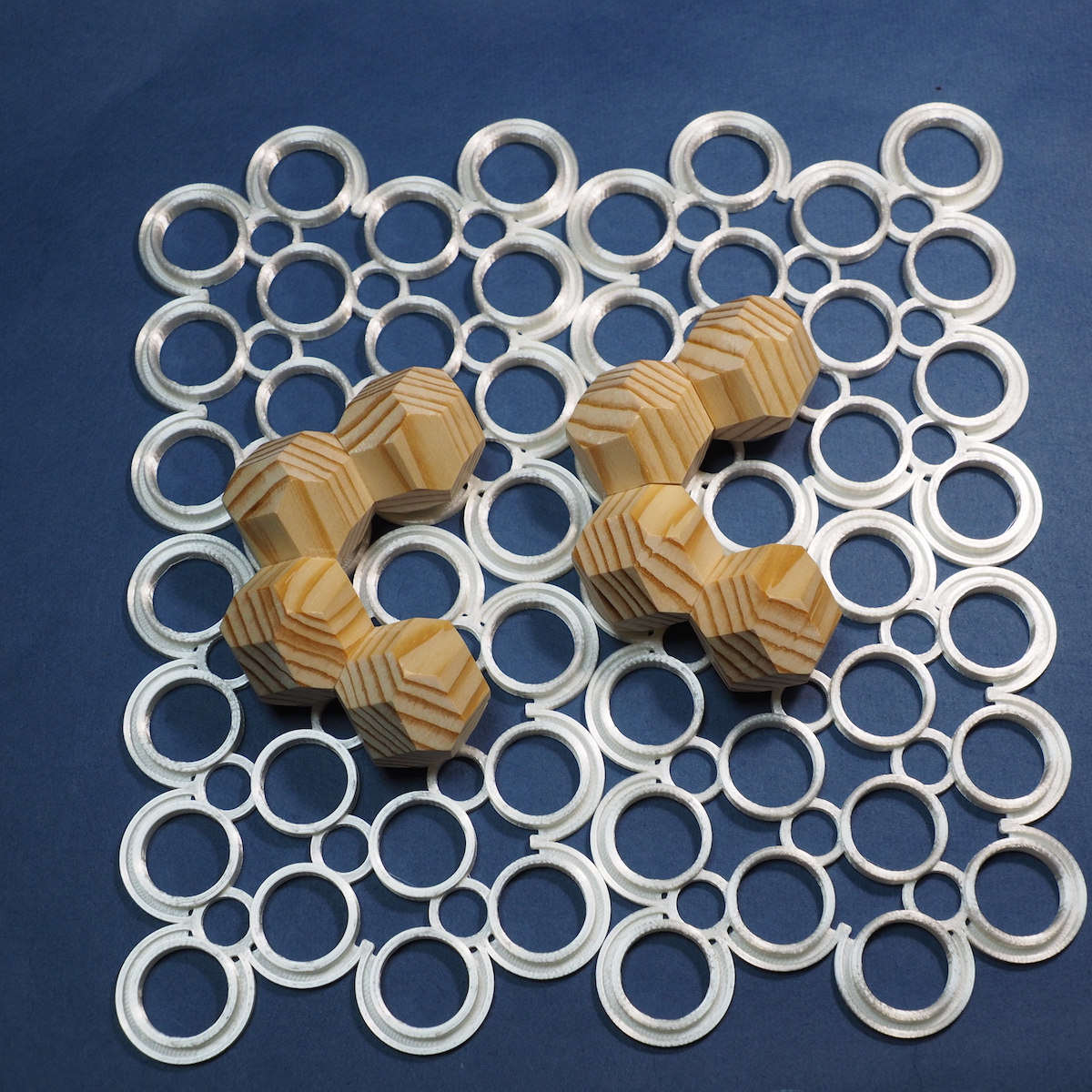
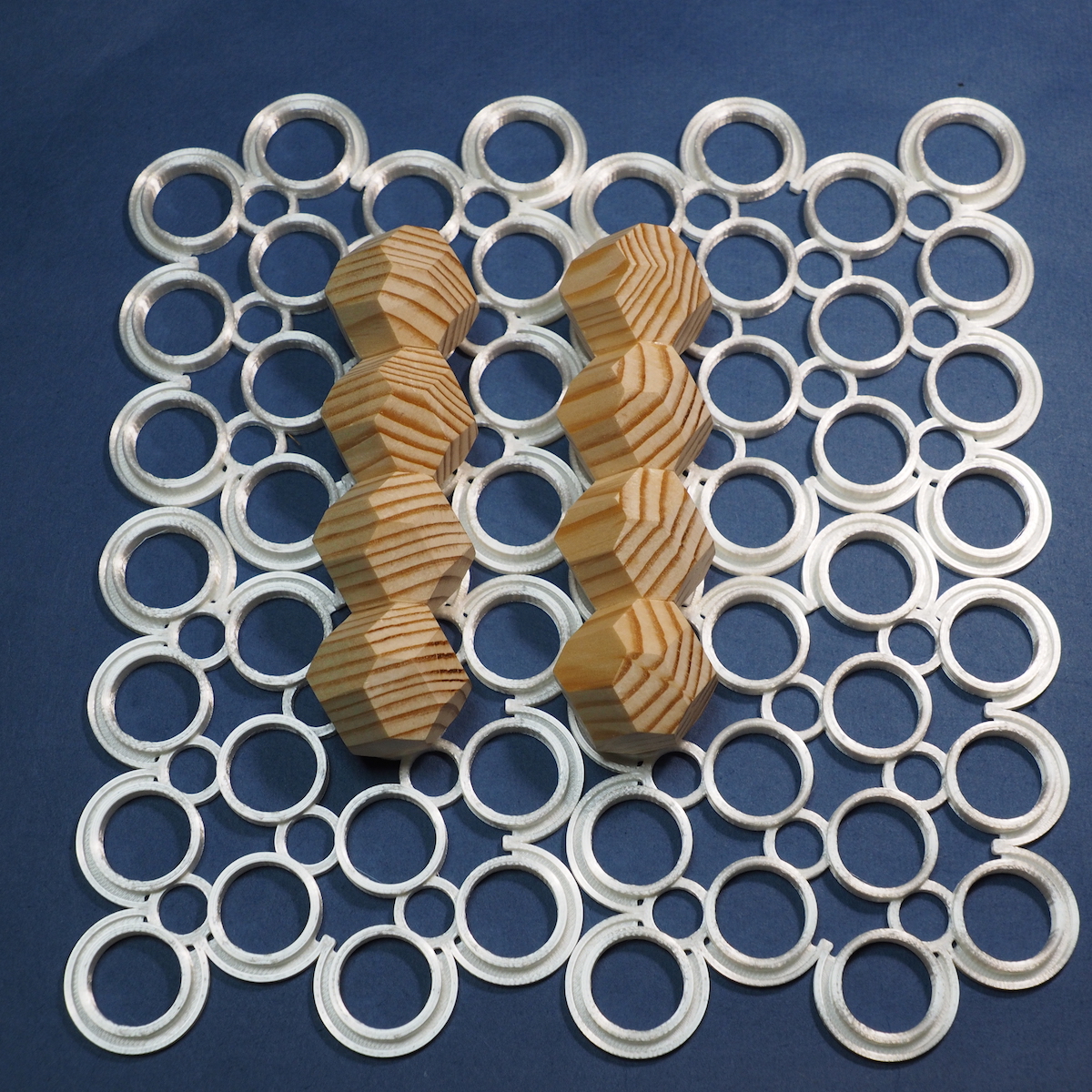
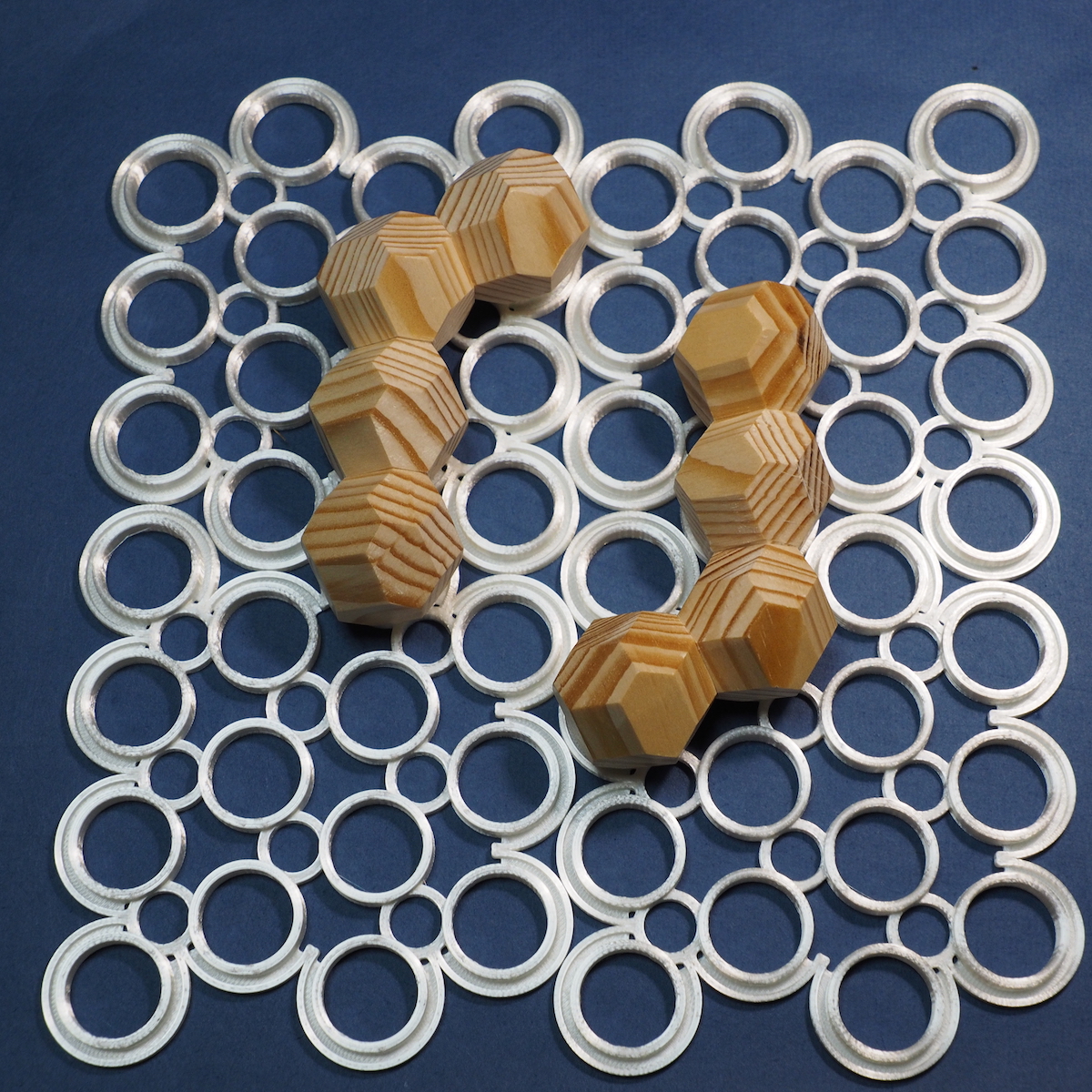
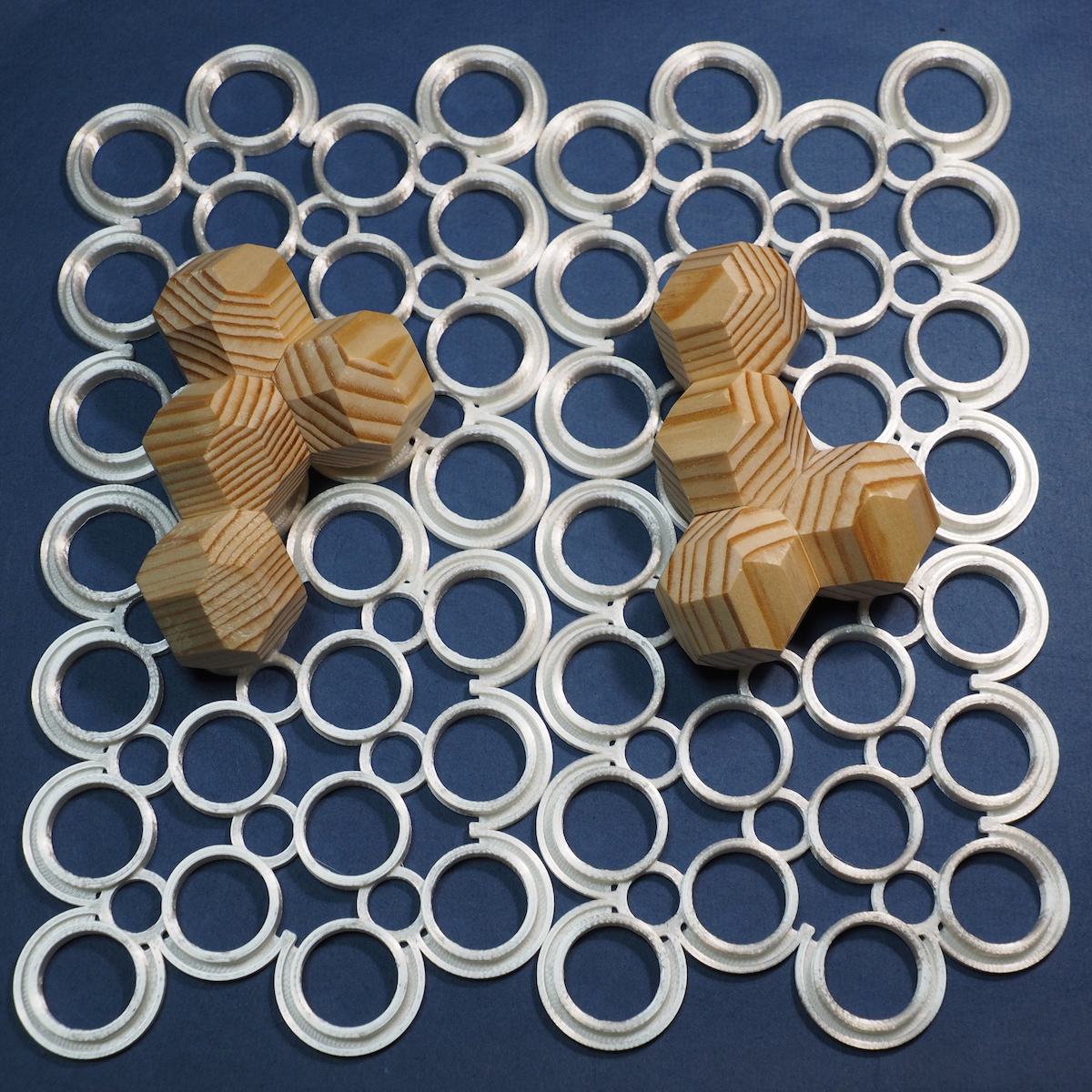
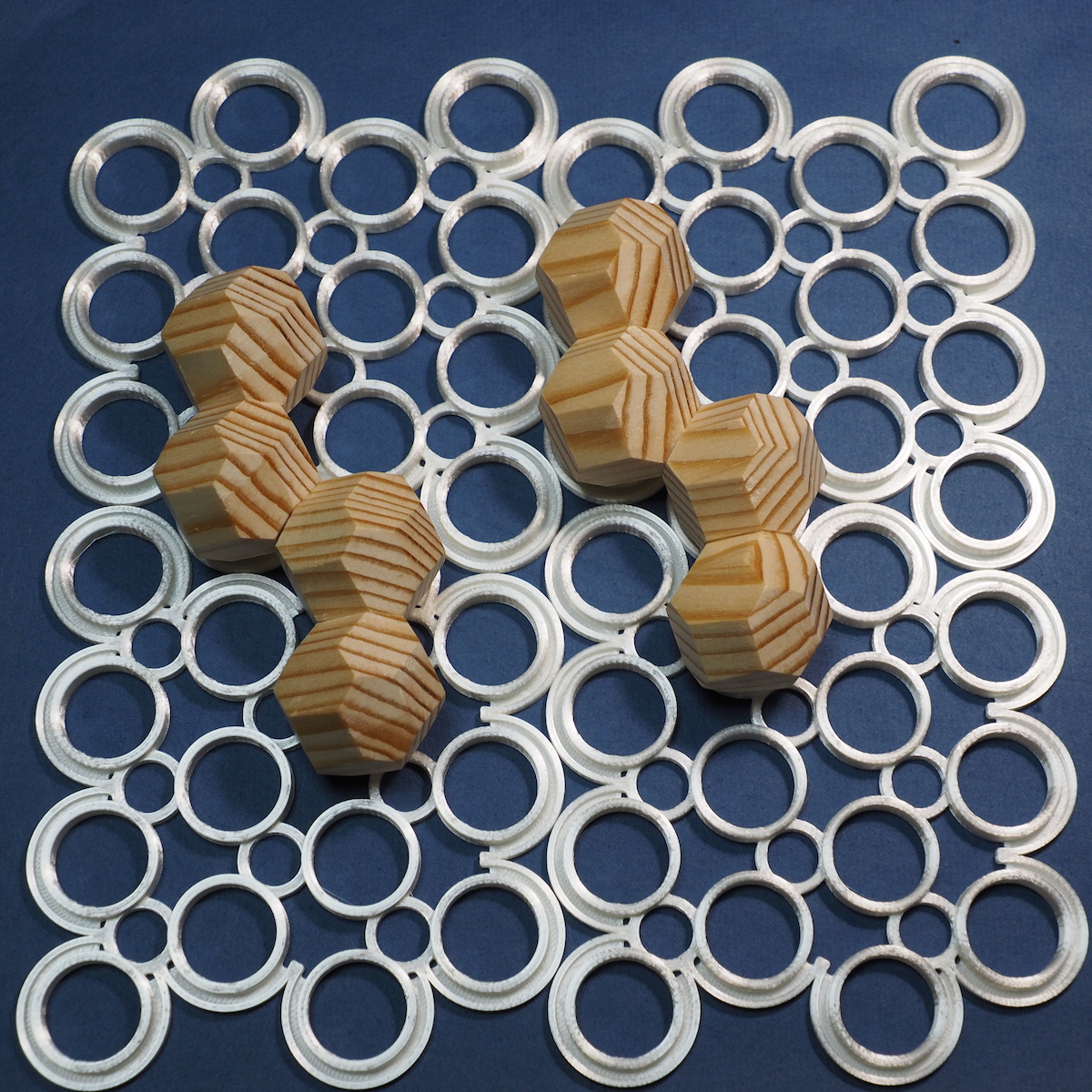
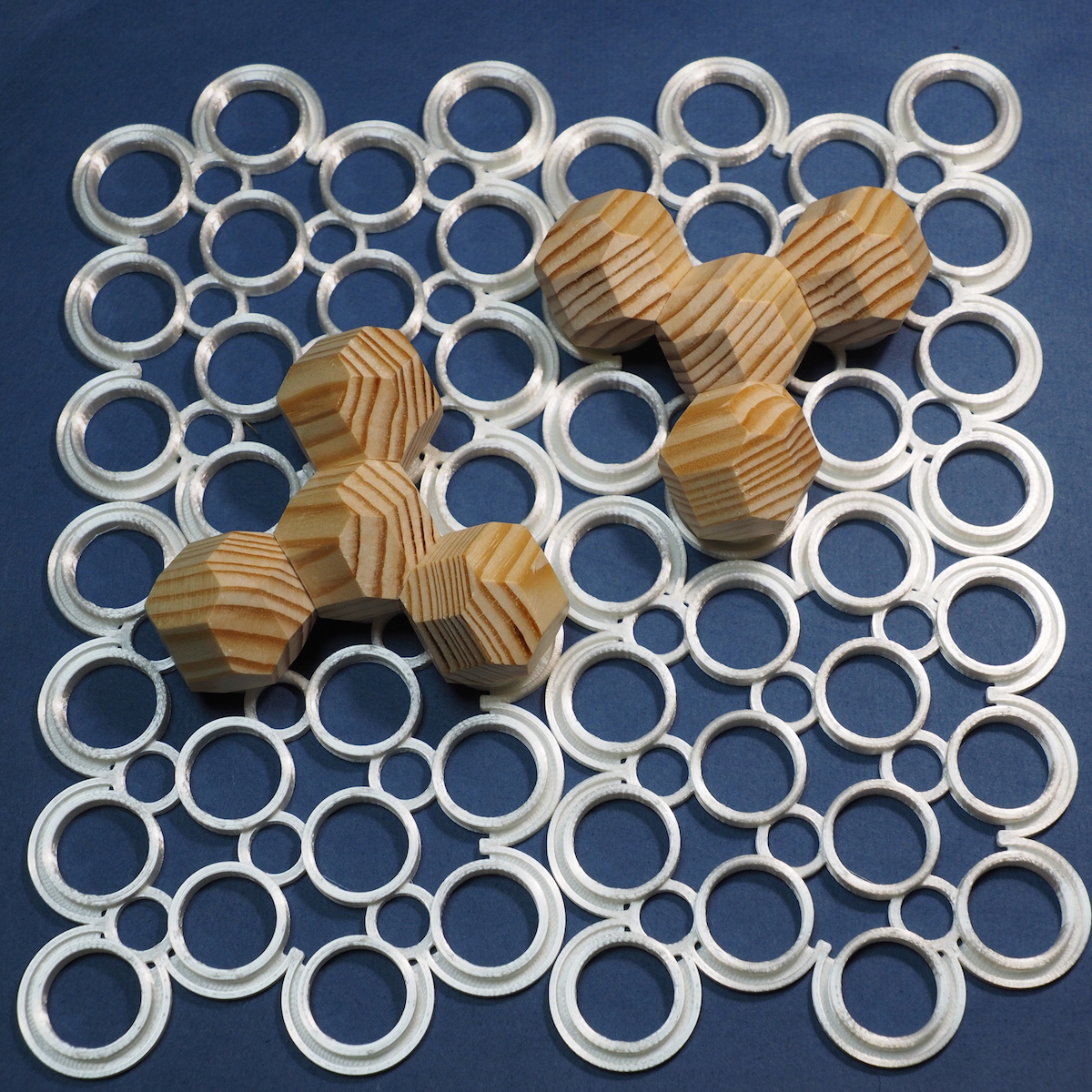
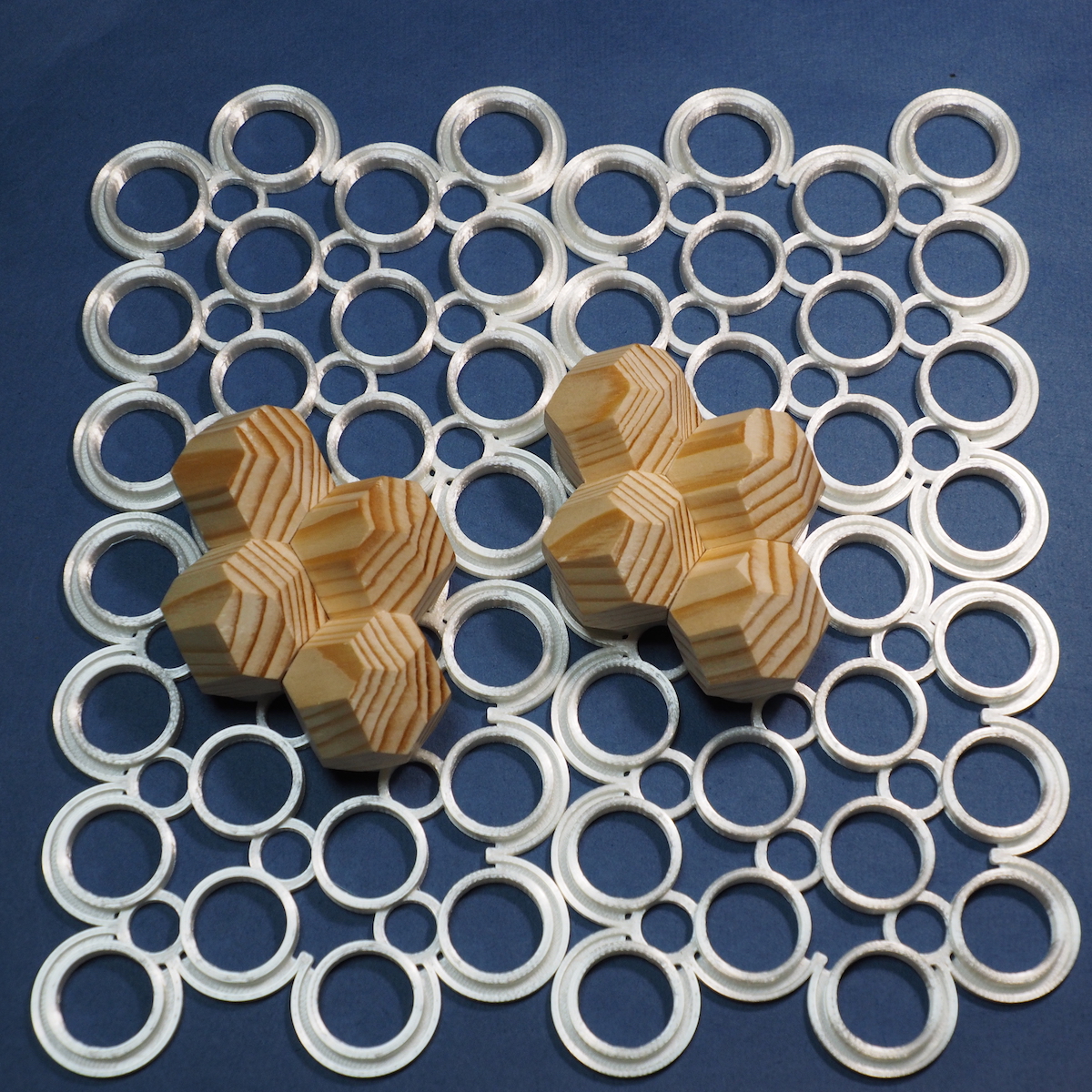
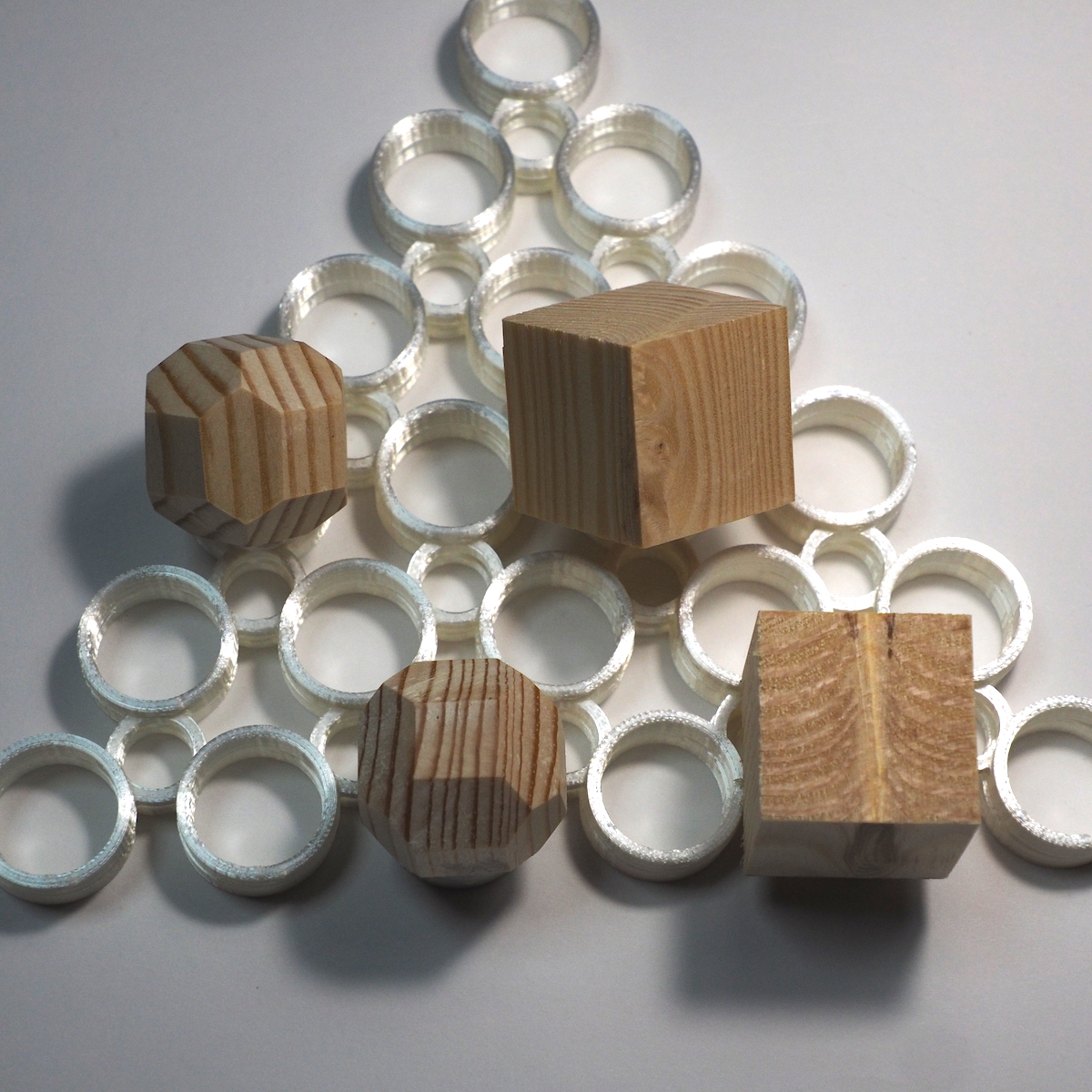


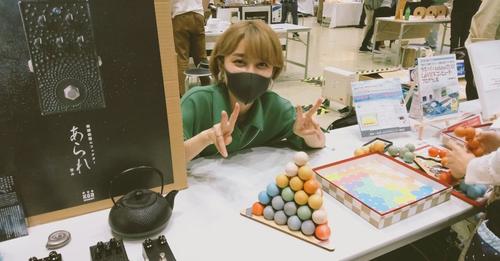


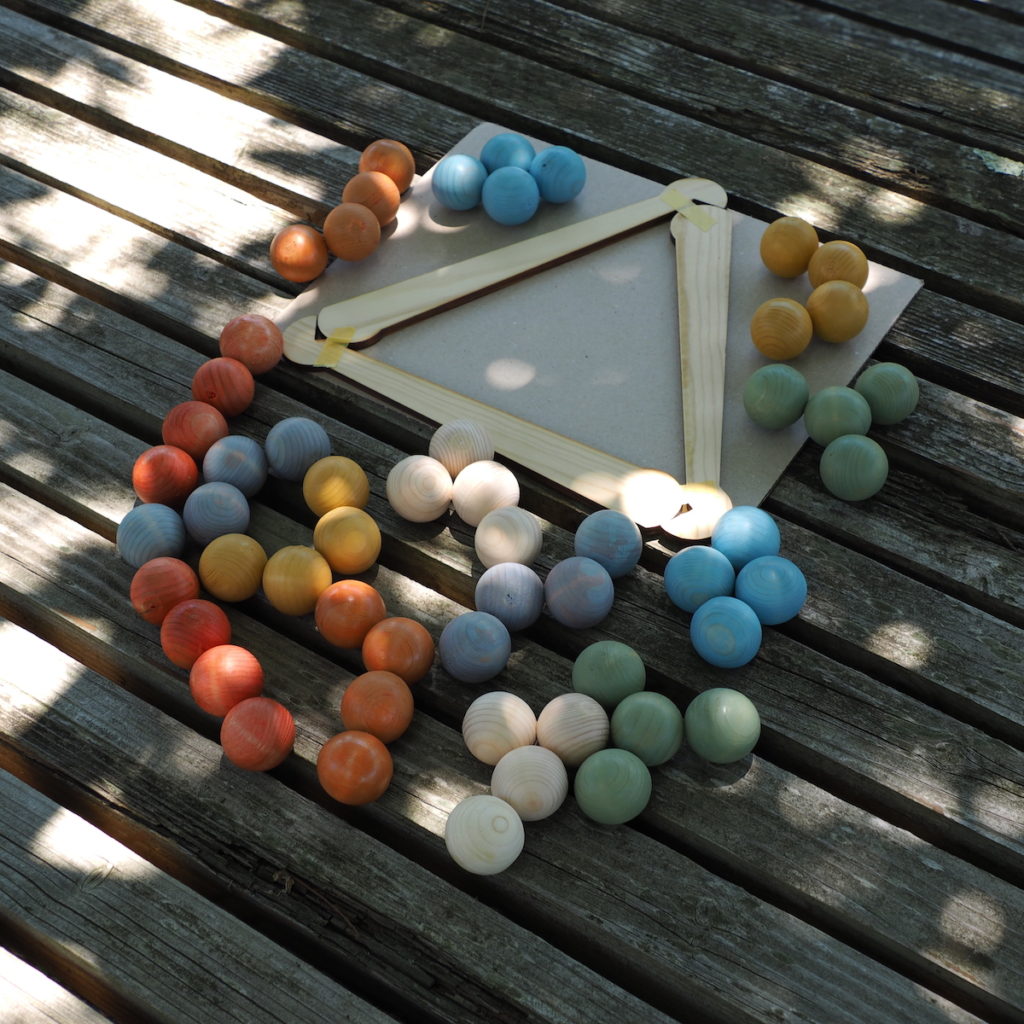
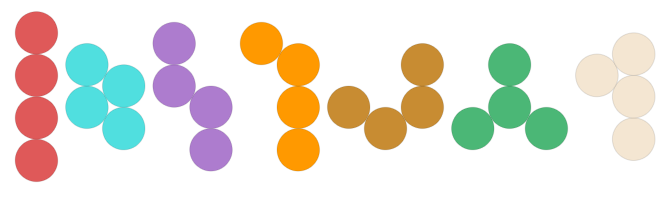 薄い円形の板ではなく球でピースを作ります。